User Guide Getting Started
SSE-0000101061-03
Morpho Document - Reproduction and Disclosure Prohibited.
Power Saving Mode and Lock Screen
Pressing the “POWER” key shortly after starting up, system will enter in standby mode.
Pressing the “POWER” key, system will recover from standby mode.
If the device does not start, the battery might be low. Make
another attempt after recharging the battery.
Switch Off
When the device is ON, press and hold the “POWER” key for 3 seconds to shut it down.
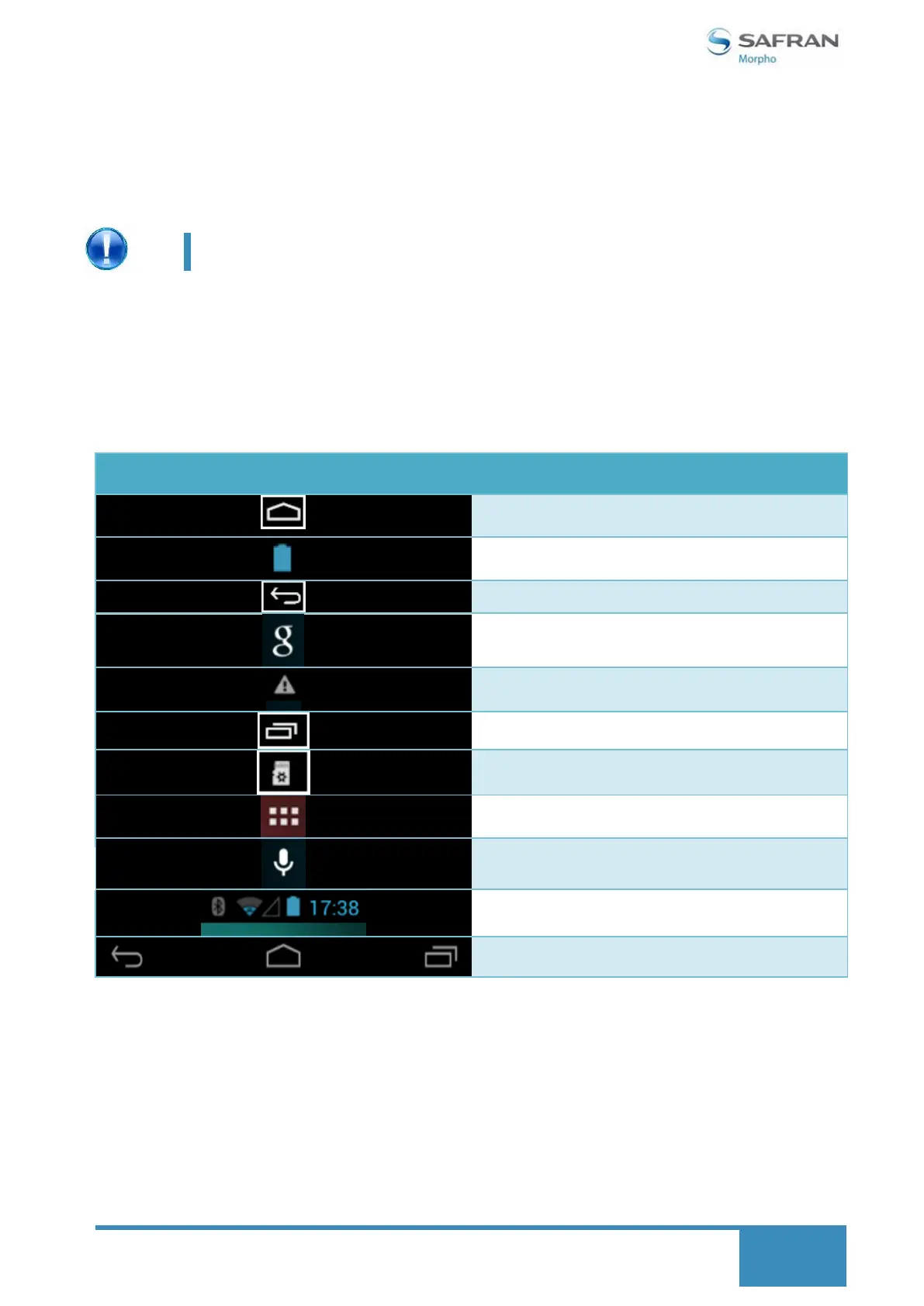
3. Definition for the icons of the Functions
Show current power status
Note when the system finds new devices
Bluetooth, Wi-Fi, EDGE/3G, Power, Time



 To Next Page