User Guide Getting Started
SSE-0000101061-03
Morpho Document - Reproduction and Disclosure Prohibited.
2. Switching on/off and Unlock the device
Switch On and Unlock
Press and hold the “Power” key for 3 seconds to switch ON the device, and in about 20 seconds the
device will display the home screen.
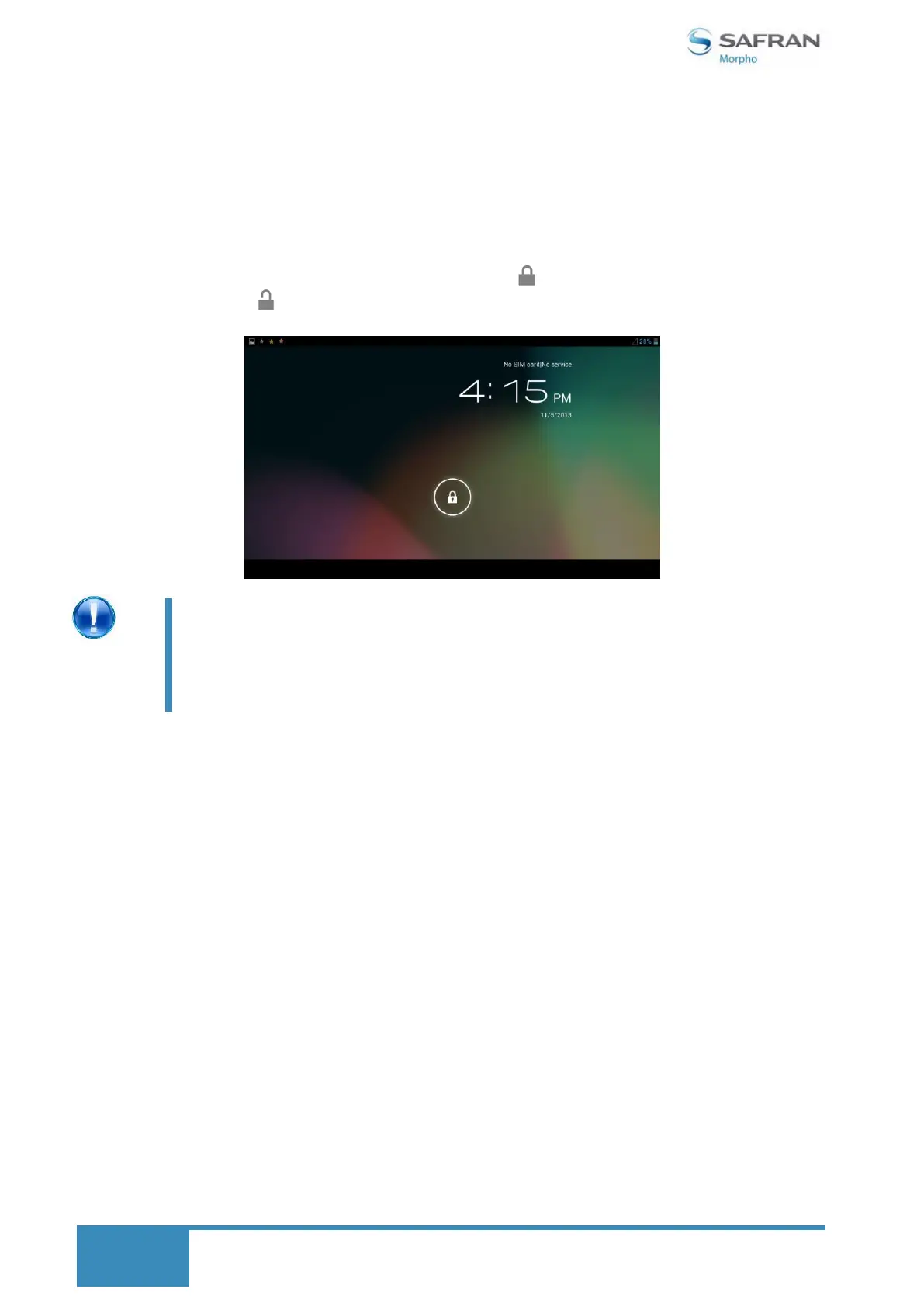
When the device is locked, please press and pull the icon to touch the circle line. The lock icon
change into the unlock icon.
Different screen/device unlocking mechanisms can be
configured through the Settings menu.
Go to Settings Security
The different screen unlock mechanisms are Slide, Pattern, PIN
and Password.


 To Next Page