User Guide Getting Started
SSE-0000101061-03
Morpho Document - Reproduction and Disclosure Prohibited.
SECTION 4
GETTING STARTED
1. Battery
Battery type
Your device has an internal, lithium polymer rechargeable battery.
Charging indications
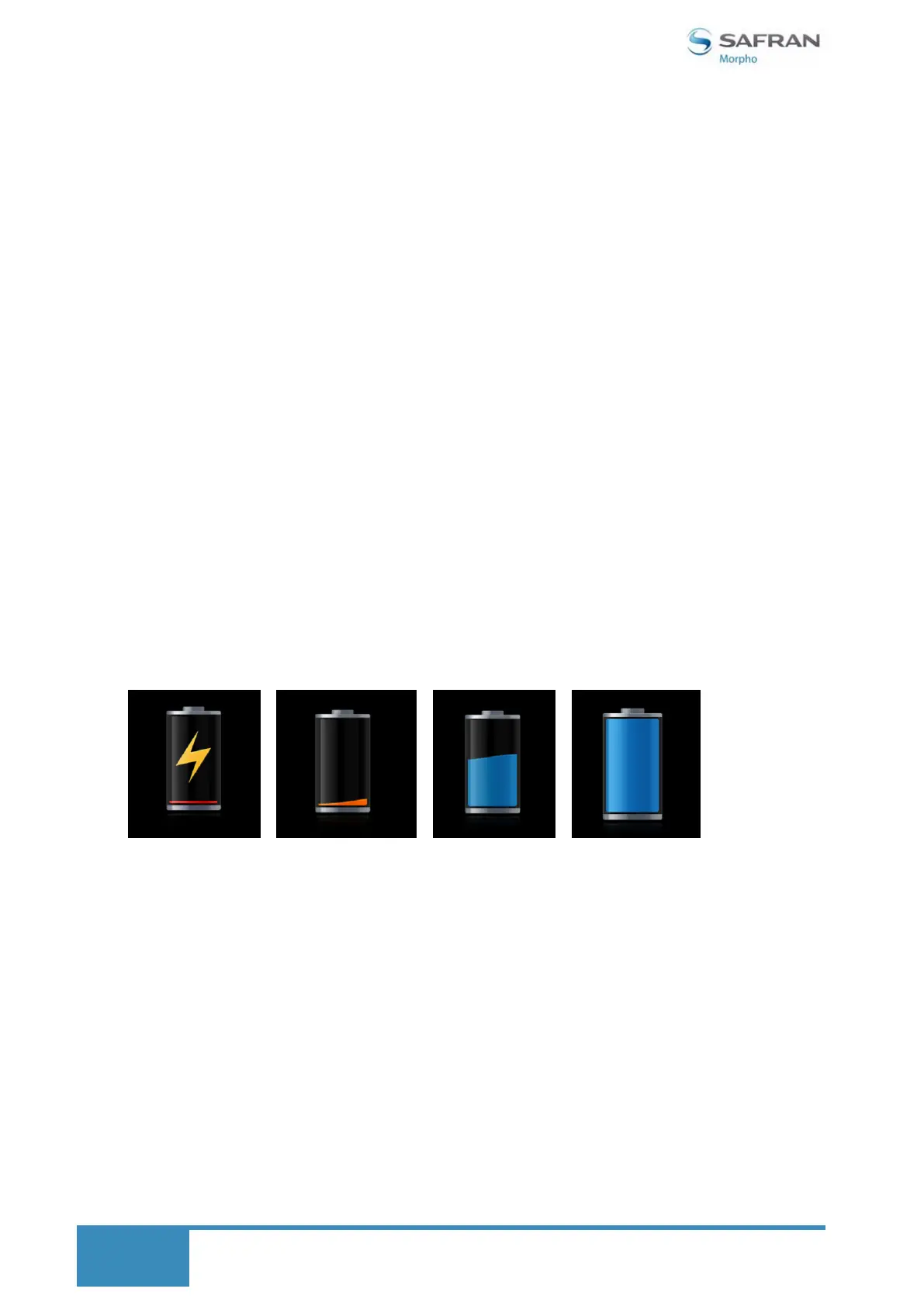
The following pictures present the indications during charging the device at OFF mode:
Charging the battery
You must fully charge the battery before using the device for the first time. A discharged
battery recharges fully in approximately 4-5 hours.
Use only the provided cable and charger that came with the device.
Gently insert the microUSB part of the battery adaptor into the microUSB slot on the
device, and connect the other side with the power socket.
Do not force the insertion of the microUSB plug. Make sure that the orientation of the
microUSB connector is correct.
The screen will display the battery charging indicator. It shows the charging process.
Observe the charging indicator LED on your device to know when it is completely charged.
Red LED light – The device is charging
Green LED light – Device is fully charged.


 To Next Page