14 Chapter 2 Features
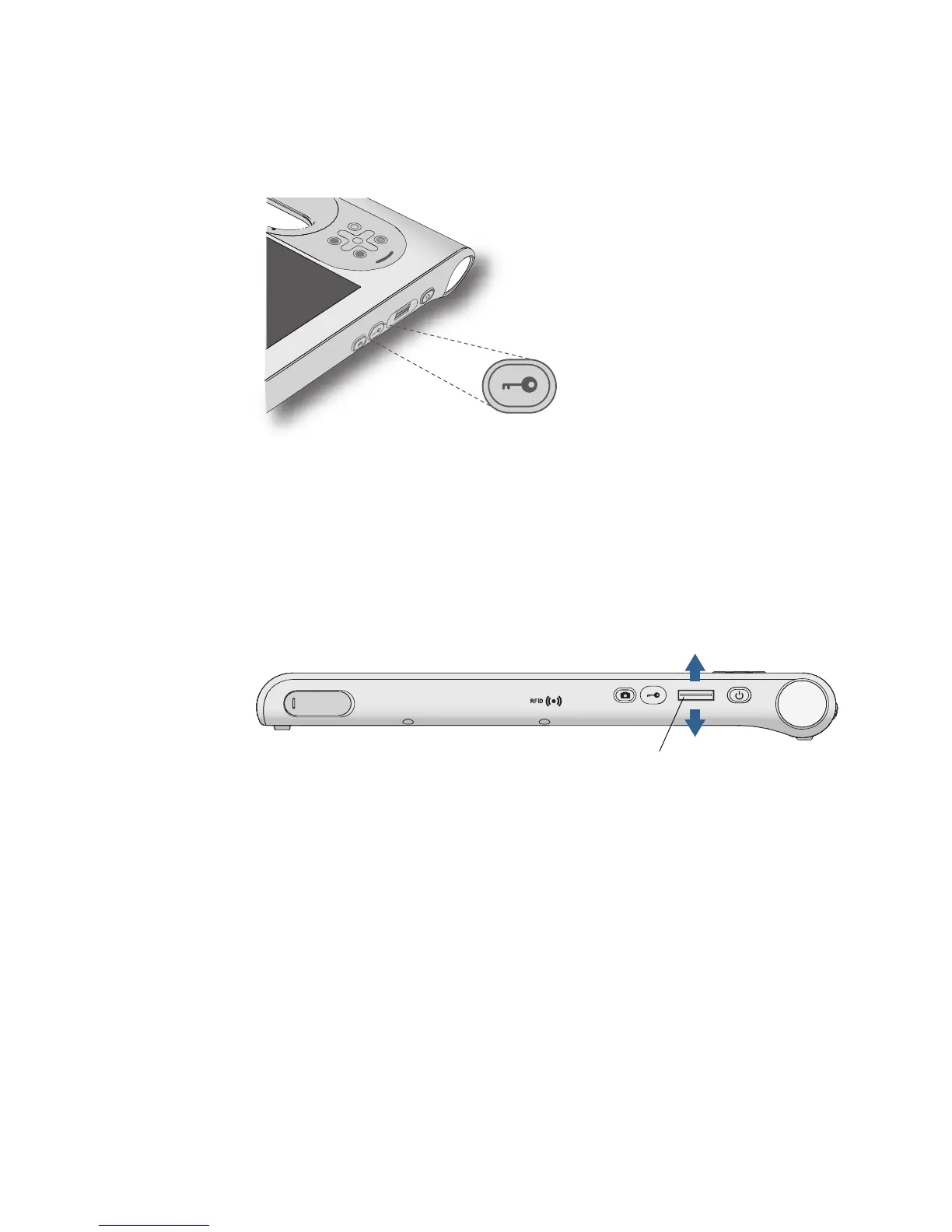
Windows Security button
You can use the Windows Security button to log on to or lock the system. Pressing the
Windows Security button is equivalent to pressing Ctrl+Alt+Del on a keyboard.
Fingerprint reader
Using the fingerprint reader, you can log on to the system by scanning your fingerprint
instead of entering a password. This feature presents another level of security for the
system.
You can use the OmniPass™ application to associate your fingerprint with passwords for
Web pages and other applications. For information about setting up and using the
fingerprint reader, see “Capturing a fingerprint” on page 45.
A
B
Scan fingerprint
Fingerprint reader



 To Next Page