22 Chapter 3 Using the System
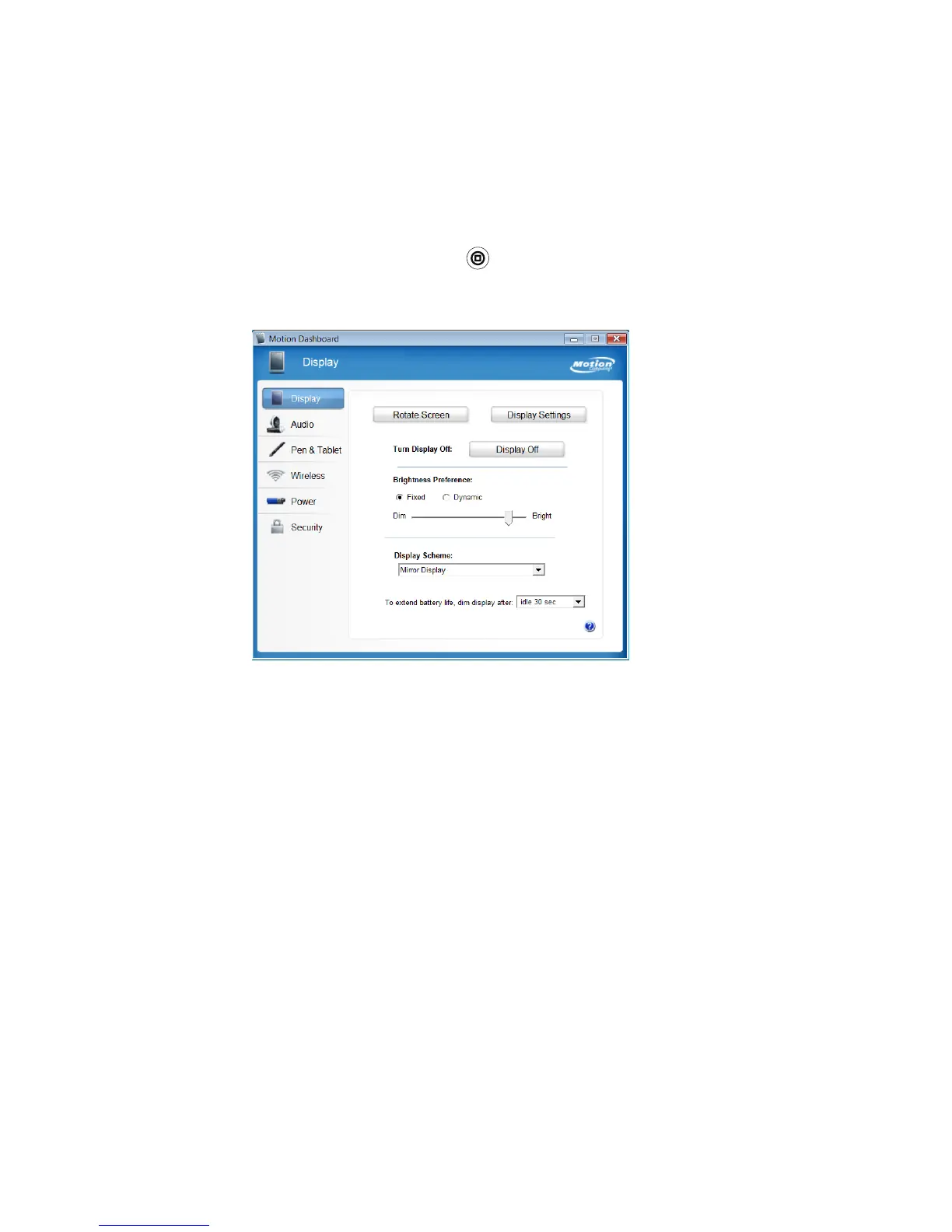
Using Motion Dashboard
Motion Dashboard puts many common settings and tasks at your fingertips. For example,
you can enable or disable Bluetooth and Wi-Fi, calibrate the digitizer, or check the
remaining battery power.
To start Motion Dashboard
• Press the Dashboard button ( ) on the front of the unit.
To open a category, tap the appropriate icon on the left side.
When you change a setting on Motion Dashboard, the change occurs immediately. You do
not need to tap Apply or OK.
For more information, see Motion Dashboard Help.



 To Next Page