EasyManua.ls Logo

Motomaster 011-1974-0 - User Manual

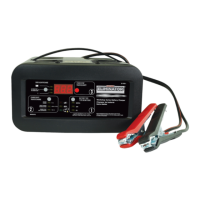
Motomaster 011-1974-0
16 pages
Print Icon
To Next Page IconTo Next Page
Loading...
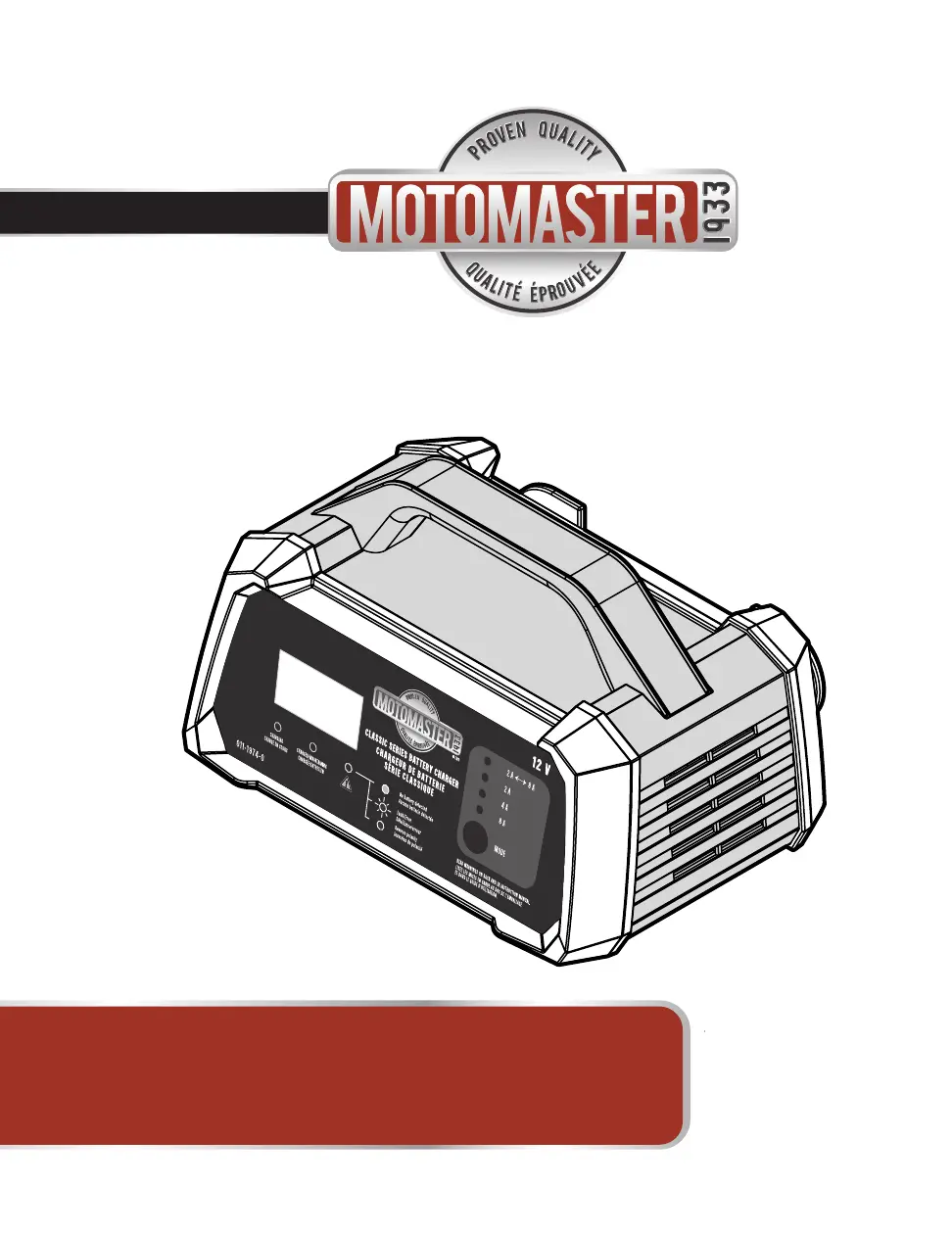
Model no. 011-1974-0
INSTRUCTION
MANUAL
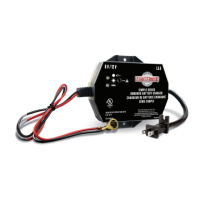
Classic Series Battery Charger
®
IMPORTANT SAFETY INSTRUCTIONS.
SAVE THESE INSTRUCTIONS.
This manual contains important safety and operating instructions.

Questions and Answers

  • M
    mchaseAug 5, 2025
    Why does my Motomaster 011-1974-0 Battery Charger not detect the battery?
    • P
      Paul KingAug 5, 2025
      If your Motomaster Battery Charger isn't detecting a connected battery, first ensure you connect the battery to the charger before plugging the charger into AC power. Also, check for clean battery posts and rock the clamps back and forth to ensure a solid connection. If the battery voltage is below 1.5 V, which you can check with a voltmeter, the charger won't activate; in this case, consider replacing the battery or boosting it with booster cables from another vehicle to raise the voltage above 1.5 V.
  • M
    Margaret BlackwellAug 9, 2025
    What to do if Motomaster 011-1974-0 voltage is less than 10V after charging?
    • R
      Richard BernardAug 9, 2025
      If the battery voltage remains below 10 V after charging with your Motomaster Battery Charger, it could be due to a defective battery, in which case you should replace it. Alternatively, a load might be connected to the battery, so ensure you are not using the battery while it is charging.
  • D
    Daniel MurphyAug 14, 2025
    How to fix reverse polarity on Motomaster 011-1974-0?
    • L
      Linda WilliamsAug 14, 2025
      If you encounter a reverse polarity error with your Motomaster Battery Charger, it means the battery clamps are incorrectly connected. Simply reverse the clamp connections.
  • R
    Russell BentonAug 18, 2025
    Why Motomaster 011-1974-0 doesn't go into Maintenance mode?
    • M
      Michelle WrightAug 18, 2025
      If your Motomaster Battery Charger doesn't switch to Maintenance mode after 24 hours, the charge current might be too low; try charging the battery again at a higher rate. Also, make sure there's no load on the battery during charging. Finally, the battery itself might be defective and unable to hold a charge, which would require a replacement.
  • C
    carlsmithAug 23, 2025
    What to do if the Motomaster 011-1974-0 Battery Charger rate exceeds selected rate?
    • G
      gomezmelissaAug 23, 2025
      If the actual charge rate exceeds the selected rate on your Motomaster Battery Charger, a load might be connected to the battery. Disconnect any loads and try charging again. If the issue persists, there may be a charger error. In that case, disconnect both the battery and the AC power, then try charging again.
  • W
    warrennicholasAug 27, 2025
    Why Motomaster 011-1974-0 Battery Charger temperature is too high?
    • S
      Susan McdonaldAug 27, 2025
      If your Motomaster Battery Charger is overheating, ensure it has adequate ventilation and that the ambient temperature isn't too high. The charger will resume charging once it cools down.
  • D
    Dr. Rebecca WilsonAug 31, 2025
    Why is the Motomaster 011-1974-0 voltage too high?
    • T
      Theresa JenkinsAug 31, 2025
      If the battery voltage is too high when using your Motomaster Battery Charger, verify that you are charging a 12 V battery and not a 24 V battery.

Summary

Important Safety Instructions

Introduction

Important Safety Instructions

Read all instructions, warnings, and cautions printed on the charger, battery, and vehicle.

Personal Safety Instructions

Preparing to Charge

Connecting Your Battery

Connecting Battery Outside Vehicle

Controls and Indicators

Charging Modes

Charging Your Battery

Charging Procedure

Connect charger, plug into outlet, select mode, monitor charging, and disconnect when complete.

Understanding Multi-Stage Charging

Maintenance and Care

Troubleshooting and Fault Codes

Error Code F01

No battery detected due to poor connection or low voltage (<1.5V).

Error Code F02

Battery voltage too high, possibly due to a load or incorrect battery type (e.g., 24V).

Error Code F03

Actual charge rate exceeds selected rate, often due to a load on the battery.

Error Code F04

Charger temperature too high due to ambient conditions or poor ventilation.

Error Code F05

Battery does not enter maintenance mode; check charge current, load, or battery defect.

Error Code F06

Reverse polarity detected, indicating incorrect clamp connections.

Motomaster 011-1974-0 Specifications

General IconGeneral
Model Number011-1974-0
Voltage12V
TypeAutomatic Battery Charger
Input Voltage120V AC
Output Voltage12V DC
Amperage2A
Output Current2A
Battery TypeAGM, Gel
Charging ModesAutomatic, Trickle
Compatibility12V batteries
Safety FeaturesReverse Polarity Protection, Overcharge Protection, Short Circuit Protection

Related product manuals