QUICKSTART GUIDE | VB400 10
USING YOUR VB400
The VB400 series of cameras are intuitive and simple to use.
TO START / STOP RECORDING (CONFIGURABLE)
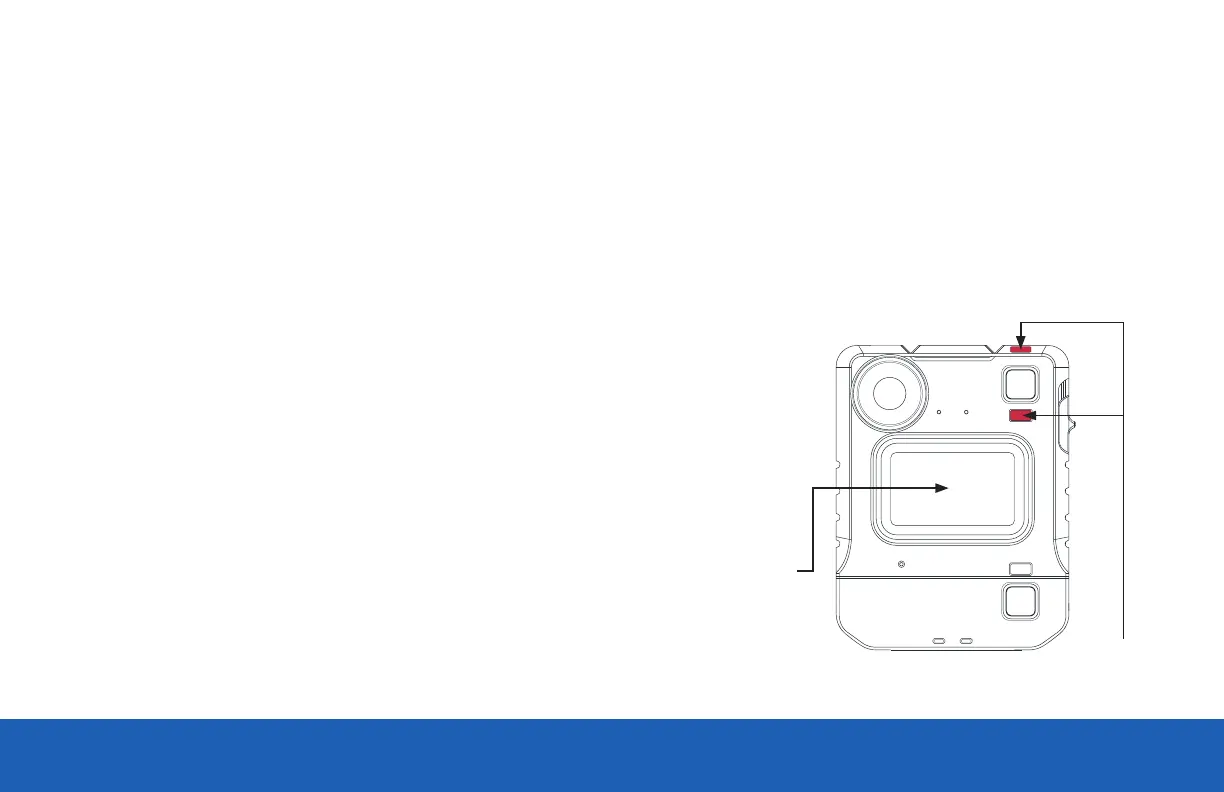
Users can activate recording by pressing on the single front button located in the center of the camera as shown. Recording is stopped by pressing and
holding the front button.
Record activation and deactivation buttons are configurable by Administrators.
Start Recording initiated will be indicated by a short bleep, the two upper LEDs showing red.
Press center button to
start / stop recording
Solid red LED



 To Next Page
 Loading...



