QUICKSTART GUIDE | VB400 5
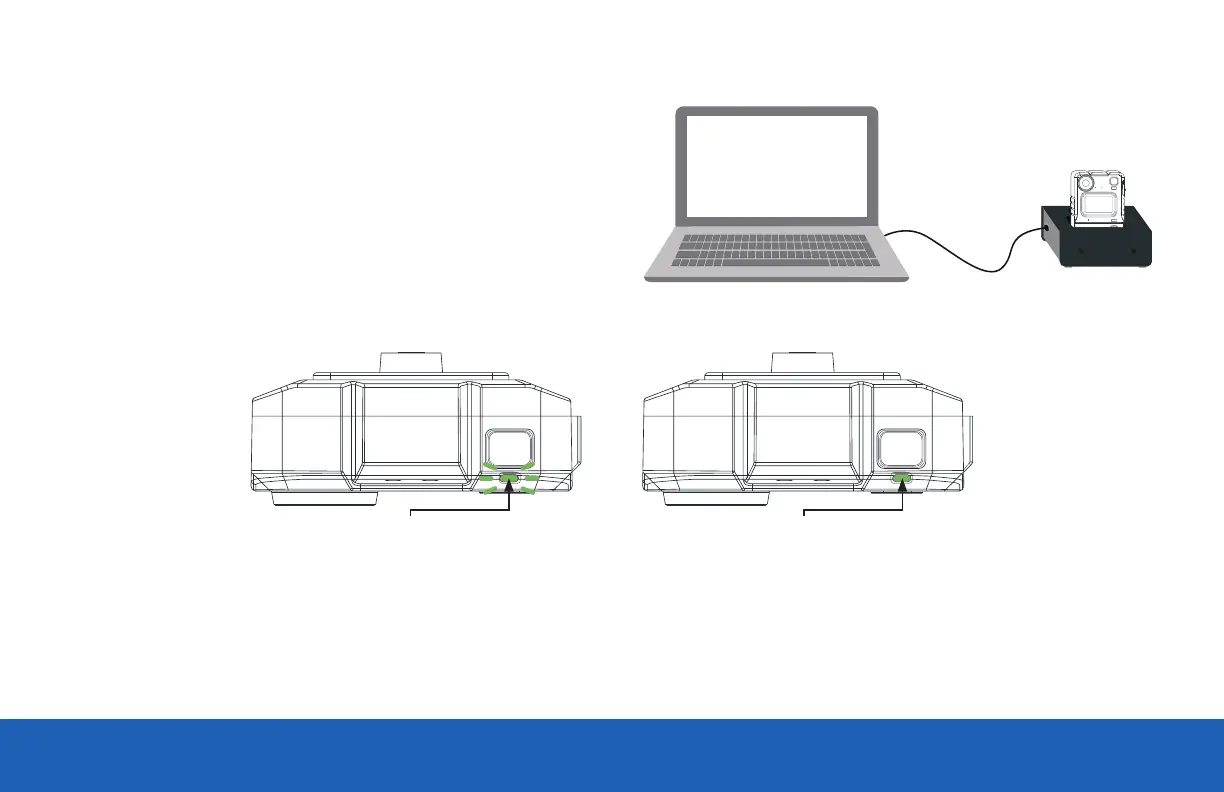
CHARGING WITH A 1-PORT DOCK
(VB-400-DOCK-SOLO)
Connected to your laptop or DockController.
If you are charging your VB400 camera via a 1-Port Dock
(VB-400-DOCK-SOLO) your camera will bleep to indicate charging has
commenced, and the LED, as indicated, will flash green to show charging.
Charging: Flashing green LED Fully Charged: Solid green LED
Once fully charged, the same LED will turn solid green. If the LED is not lit, the device is not charging. Your VB400 will be fully charged within 8 hours
from a flat battery.



 To Next Page