14
ENGLISH
Q: Why is my DSL light flashing green?
A: A flashing green light indicates that no cable is attached to the DSL port or that the
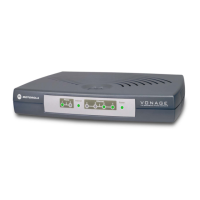
Motorola Netopia
®
Gateway is negotiating a connection. A solid green DSL light indicates
that an internet connection is established.
If your DSL light does not become solid green, verify that the connection from the Motor-
ola Netopia
®
Gateway’s DSL port to the telephone/DSL jack is secure. If the connection
is secure, contact your ISP (Internet Service Provider) to verify that your DSL line is func-
tioning properly.
Q: I forgot my password, how can I access my Motorola Netopia
®
Gateway?
A: If you don't have a password, the only way to access the Motorola Gateway is the fol-
lowing:
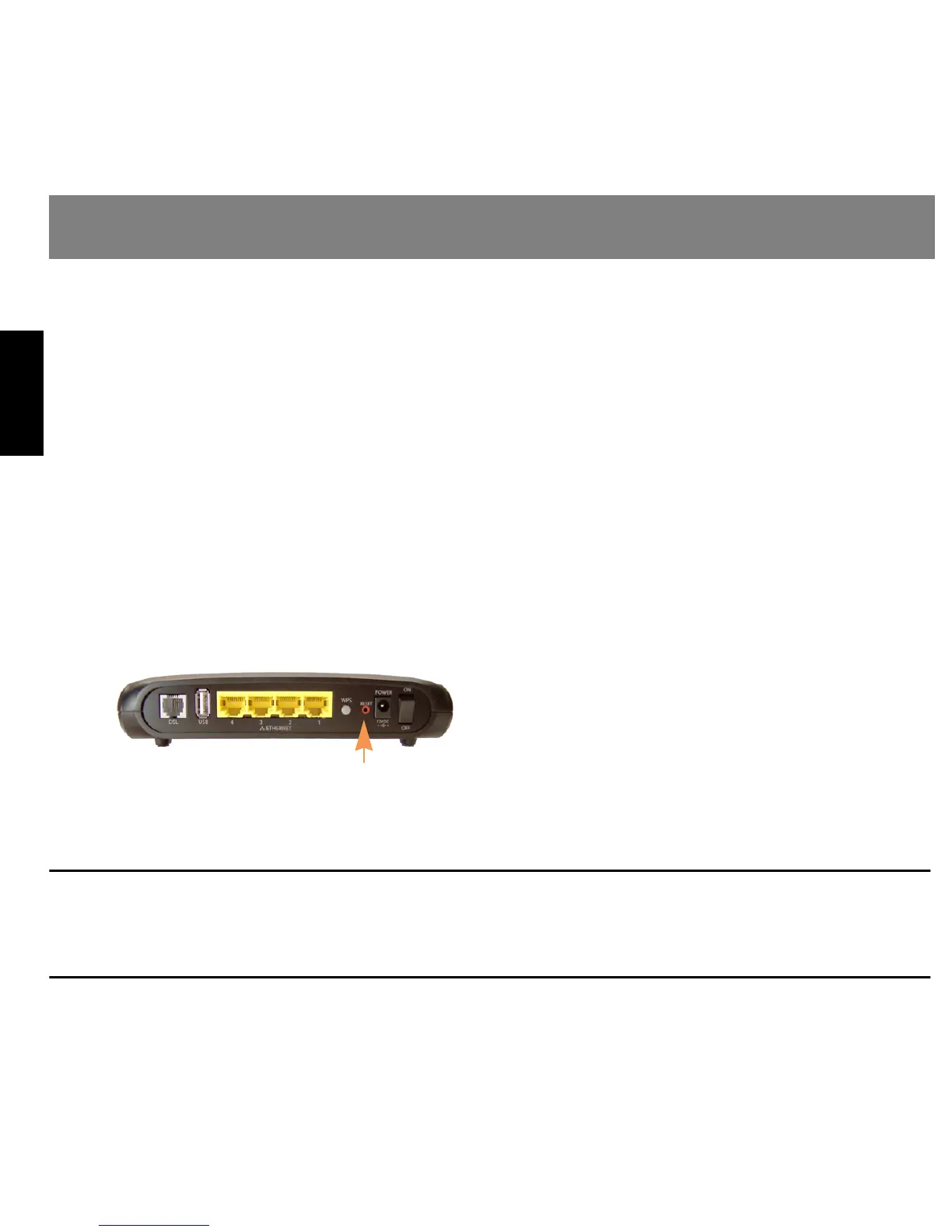
Referring to the following diagram, find the round Reset Switch opening.
Carefully insert the point of a pen or an
unwound paperclip into the opening.
• If you press the factory default button for
less than 1/2 a second, the unit will con-
tinue to run as normal.
• If you press the factory default button for
more than 15 seconds, when you release it, the Gateway will perform a factory reset,
clear all settings and configurations, and reboot.
Note: To assure the Motorola Netopia
®
Gateway factory defaults you MUST hold the reset switch for more
than 15 seconds. When you release it, the Gateway will perform a factory reset, clear all setting and configurations,
and reboot. Keep in mind that all of your settings will need to be reconfigured.
FAQs
Factory Reset Switch


 To Next Page
 Loading...