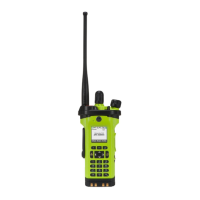
APX
TM
6000XE
14
Index
The Motorola-approved battery shipped with your radio is uncharged. Prior to using a new battery, charge it for a
minimum of 16 hours to ensure optimum capacity and performance.
Note: When charging a battery attached to a radio, turn the radio off to ensure a full charge.
Battery Charger
To charge the battery, place the battery, with or without the radio, in a Motorola-approved charger. The charger’s LED
indicates the charging progress; see your charger’s user guide.
Preparing Your Radio for Use
Charging the Battery
To avoid a possible explosion:
• DO NOT replace the battery in any area labeled “hazardous
atmosphere”.
• DO NOT discard batteries in a fire.


 To Next Page
 Loading...