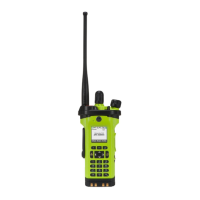
APX
TM
6000XE
40
Index
Procedure:
1 Press the preprogrammed Emergency button.
The display shows EMERGNCY and the current zone or
channel.
A short, medium-pitched tone sounds and the LED
momentarily blinks red.
2 The radio enters the Emergency Call state when
you press the PTT button while in the Emergency
Alarm mode.
Advanced Features
Emergency Operation
Sending an Emergency Alarm with Emergency Call
3 Hold the radio vertically 1 to 2 inches (2.5 to 5.0 cm)
from your mouth.
Press and hold the PTT button.
Speak clearly into the microphone.
Release the PTT button to end the transmission and
wait for a response from the dispatcher.
4 Press and hold the preprogrammed Emergency button
for about a second to exit the Emergency Call mode
when in DIRECT MODE. (i.e. on analog FG channels)


 To Next Page
 Loading...