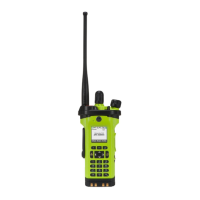
APX
TM
6000XE
18
Index
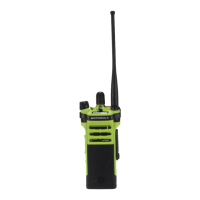
Align the grooves of the belt clip with those of the radio
and press upward until you hear a click.
To remove the clip, use a flat-bladed object to press the
belt clip tab away from the radio. Then, slide the clip
downward and away from the radio.
Preparing Your Radio for Use
Attaching/Removing the Belt Clip
Belt Clip
Slot


 To Next Page
 Loading...