Parent Unit Menu Options 23
ENGLISH
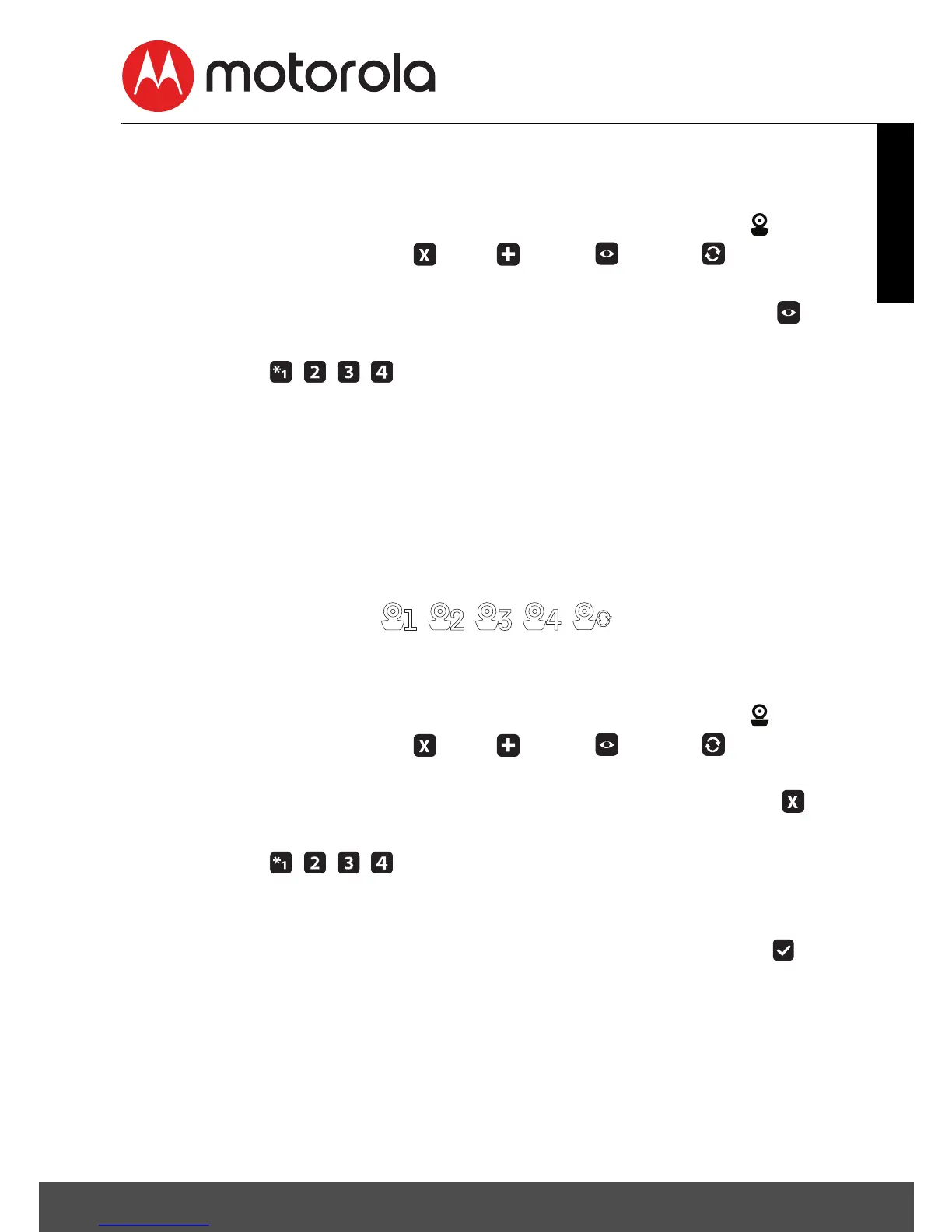
4.6.2 View a camera
1. Press the M button and the menu bar will pop up.
2. Press the < LEFT button or > RIGHT button until is
highlighted, and the
del/
add/
view/ scan
menu
will pop up.
3. Press the + UP button or - DOWN button to select
view
,
and press the O button to confirm.
4. Camera will pop up. Press the + UP button or -
DOWN button to select the desired camera, and press the
O button to view the picture from that camera.
Note: Only camera locations with a * can be selected.
TIP
Quick Method to View Cameras instead of entering into the menu
bar.
Directly press the O button repeatedly to select the available
Camera options from .
4.6.3 Delete a camera
1. Press the M button and the menu bar will pop up.
2. Press the < LEFT button or > RIGHT button until is
highlighted, and the
del/
add/
view/ scan
menu
will pop up.
3. Press the + UP button or - DOWN button to select
del
,
and press the O button to confirm.
4. Camera will pop up, press the + UP button or -
DOWN button to select the desired Camera, and press the
O button.
5. Press the + UP button or - DOWN button to select , then
press the O button to delete that registration.
NOTE
You are not allowed to delete the camera if there is only one
registered camera in the system.












 To Next Page