30 Wi-Fi® Internet Viewing
5.3.3 Add the Camera to your account
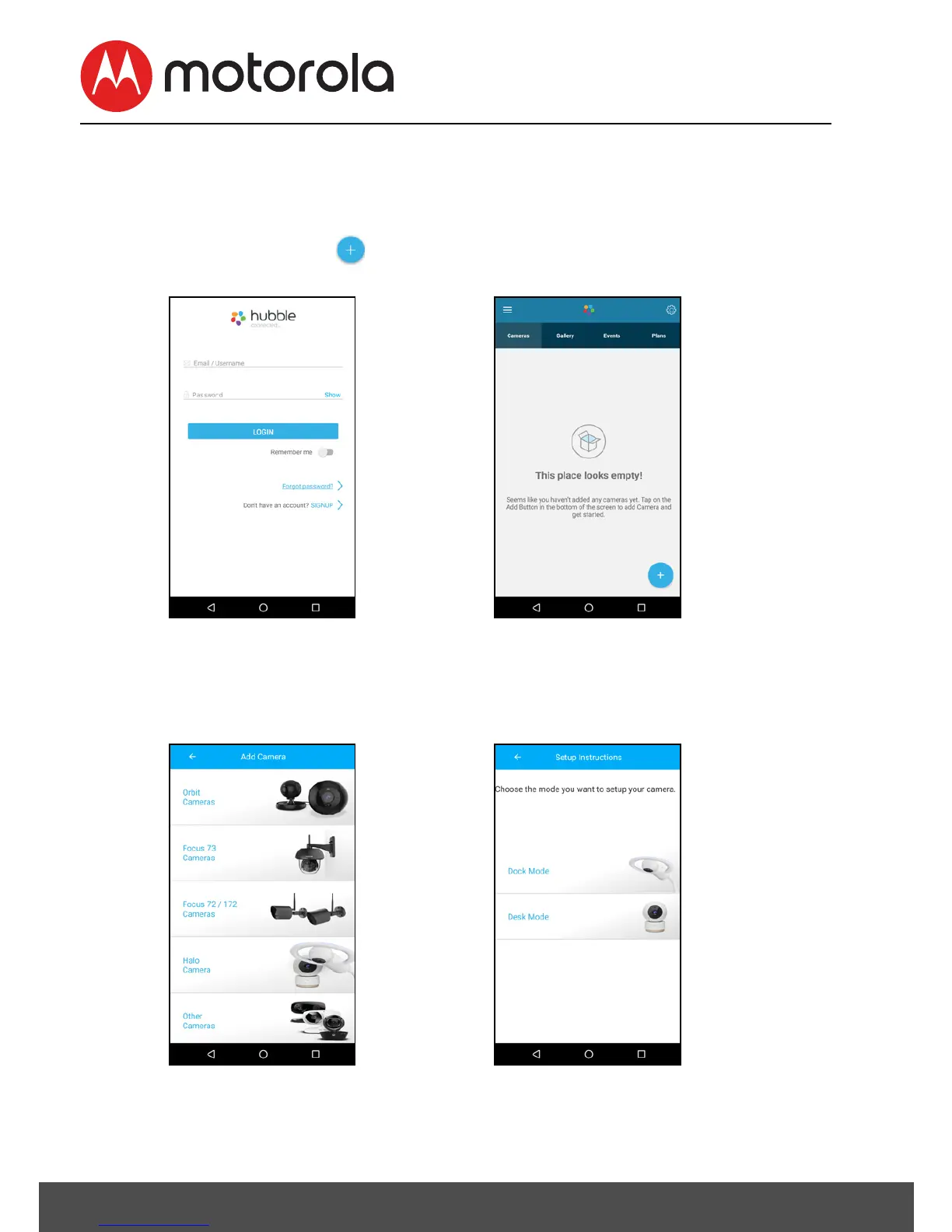
• Sign in to your Hubble account by entering User Name and
Password (Picture A3).
• Tap on Add button at the bottom of the screen to add
Camera (Picture A4).
• Tap Halo Camera to add the Camera (Picture A5).
• Choose the mode (Dock mode or Desk mode) you want to
setup your Camera (Picture A6).












 To Next Page