14 Getting Started
2.2 Setting Up Baby Unit For Desk Mode
When your child is older, the baby unit (camera) can be removed
and used without the cot mounting kit. This is 'Desk Mode'.
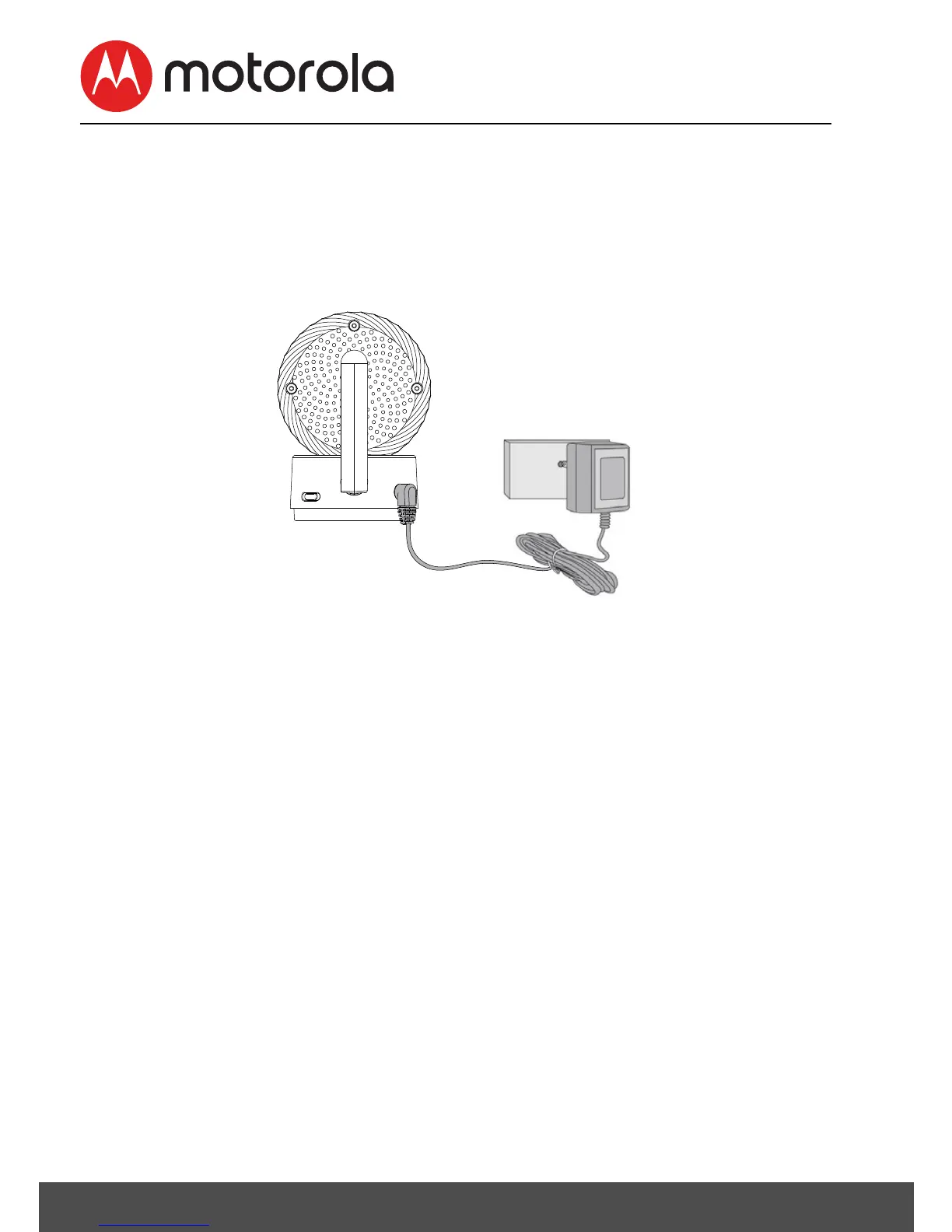
Connect the power supply directly into the Baby Unit (camera)
when using in desk mode.
1. Connect the DC plug of the power adapter to the Baby Unit
(camera) and the other end to a suitable mains power
socket.
NOTE
Only use the enclosed Power Adapter (5V DC / 1500mA).
1. Slide the POWER ON/OFF switch to the ON position to turn
the Baby Unit on.
2. Slide the POWER ON/OFF switch to the OFF position to turn
the Baby Unit off.












 To Next Page