EasyManua.ls Logo

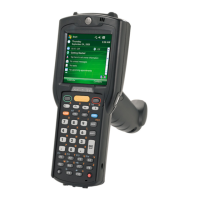
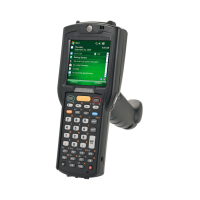
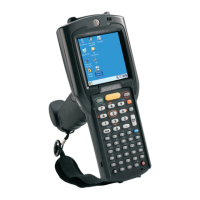
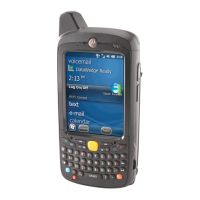
Motorola MC3190G - User Manual

Motorola MC3190G
2 pages
To Next Page IconTo Next Page
Loading...
MC3190G
MC3190G
http://www.motorola.com/mc3100
1 2 3 4 5 6
Stylus
Removal
Trigger
Scan Indicator
Strap Lanyard
Stylus
Stored in handle
Display
Scan Button
Keypad
Indicator LED Bar
Rubber Boot
Comm/Charge
Cables
Four Slot Spare Battery Charger Single Slot Serial Cradle Four Slot Cradles
Charge-Only Cradle and Ethernet Cradle
BATTERY REMOVAL/INSTALLATION
POST IN WORK AREA
CHARGING INSTRUCTIONS
See User Guide for more information
Quick Start Guide
FEATURES
Slow Flash = Normal ChargeLED Indicators: Solid Amber = Full Charge Fast Flash = Charging Error
Spare Battery
Charging LED
Charge LED
Indicator
Spare Battery
Charging LED
Charge LED
Indicator
Trigger
Speaker
Headset Connection
Speaker

Questions and Answers

Motorola MC3190G Specifications

General IconGeneral
Operating SystemWindows Mobile 6.1
ProcessorMarvell PXA320
Processor Speed806 MHz
RAM128 MB
Storage256MB Flash
Wireless Connectivity802.11a/b/g
IP SealingIP54
Barcode Scanner1D laser scanner or 2D imager
Bluetooth2.0
KeypadNumeric keypad
Operating Temperature-20°C to 50°C
Drop SpecificationMultiple 1.2 m (4 ft) drops to concrete
CameraOptional
Expansion SlotsSDIO

Related product manuals