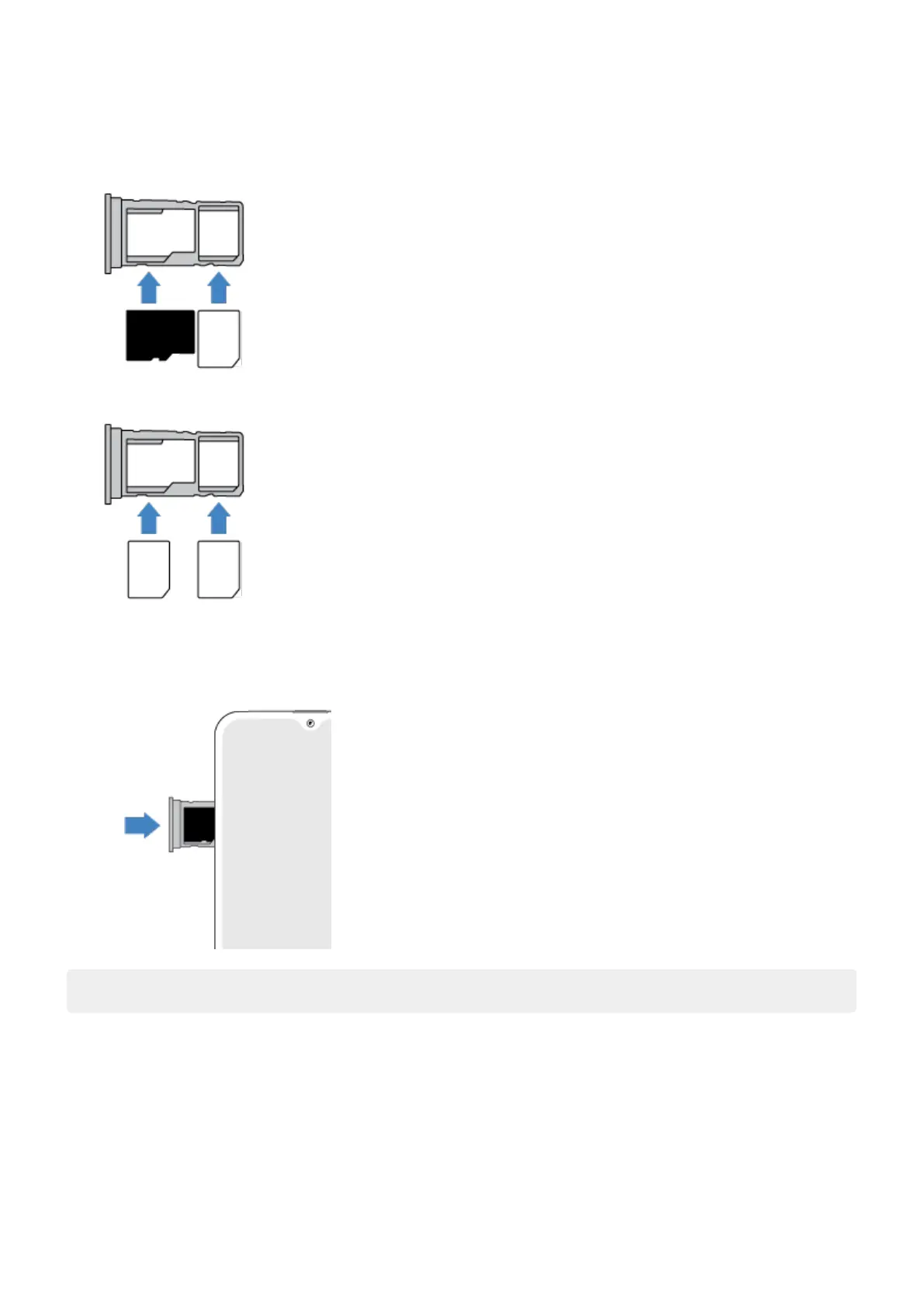
3. Insert or remove the cards as needed.
To use an SD card and a SIM card:
Or, to use two SIM cards (dual-SIM models only):
To see if your phone supports dual SIMs, go to Settings > About phone > SIM Status. If you see SIM Slot 1
and SIM Slot 2, then your phone supports dual SIMs.
4. Push the tray back into the phone.
Note: If you need to activate a SIM, contact your carrier.
Fix a problem
Select a problem to see troubleshooting steps.
SIM card
No signal/SIM not recognized
Can’t make calls
Can't answer calls
Set up phone
4













 To Next Page