Turn flashlight on and off
To turn your flashlight on or off:
1. Open quick settings.
2.
Touch or .
Or, make a chopping motion to turn the flashlight on or off.
If the camera opens instead of turning on the flashlight, be sure to use a chop gesture, not a twist gesture.
To control the chop gesture:
1. Go to Settings > System > Gestures.
Or, open the Moto app and touch > Gestures.
2. Touch Fast flashlight and turn it on or off.
Take screenshots
Take a screenshot
1. Do one of the following:
•
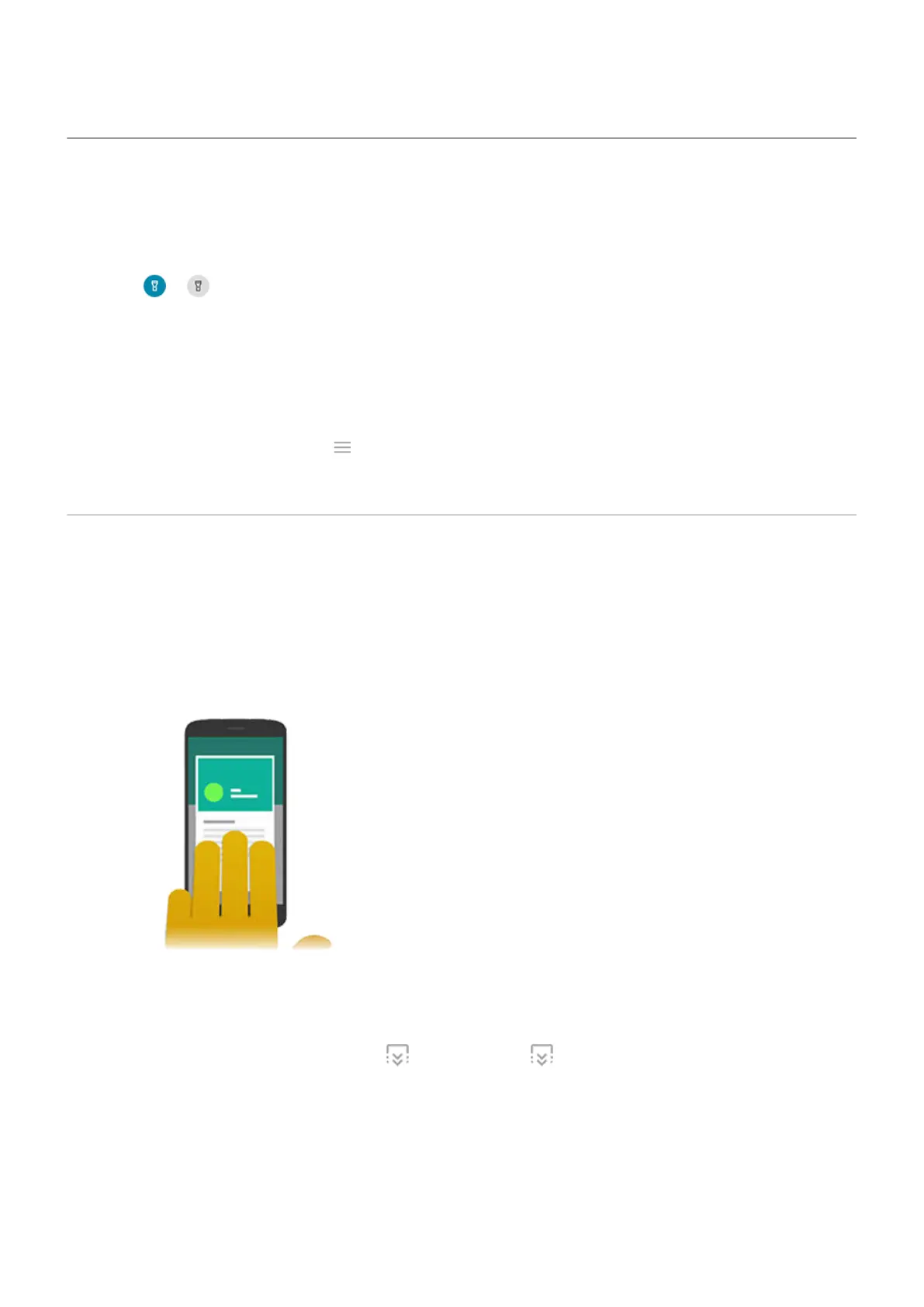
Touch & hold three fingers on the screen. (If this doesn't work, turn Three finger screenshot on.)
•
Press & hold the Power button, then touch Screenshot.
•
Press & hold Power and Volume Down simultaneously until the screen is captured.
2.
To scroll and capture more content, touch . (If you don't see , turn Screenshot toolkit on.)
To stop scrolling before the end of the page, touch STOP.
Learn the basics : Frequently used tools
37













 To Next Page