26
27
A3 A4
•
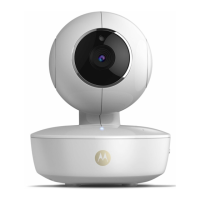
Select your camera (picture
A3) and then select your
preferred Wi-Fi
®
network (picture A4).
A5
A6
Adding another Camera: Working with devices for Android
™
26
Adding another Camera: Working with devices for Android
™
27
ENGLISH
• If requested, enter your network password (picture A5).
• Please be patient, it may take a few minutes until your
camera is added to your account (picture A6).
• Once the camera has been added, the camera view will be
automatically displayed.
Note:
When you are accessing your camera via a network different
from your home network (over the internet) or by mobile (such
as devices for Android
™
or iPhone
®
), the following message may
periodically pop up:
“This video has been viewed for approximately 5 minutes. Do
you want to continue?”.
Press Yes to continue or No to stop viewing.
P130082_Scout1_UG_US_EN_V5_2013_08_19.indd 26-27 19/08/2013 3:41 PM



 To Next Page
 Loading...