Page 9
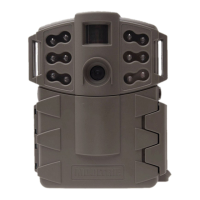
D-555i Digital Game Camera
Page 12
D-555i Digital Game Camera
Security Code
Use the
Up/Down and Left/Right buttons to select a 5-digit
security code for your camera. Press the
OK button. Press the
Right button.
Note: Please remember your security code. If the code is
lost, you can contact Moultrie customer
support to reset the
password. (Charges may apply)
Setting Camera Name
Press the
OK button. Use the Up/Down and Left/Right
buttons to select an identity for your camera. For example,
you can use a name or a location; the identity you wish to
use is up to you. Set all characters and press the Right
button to go to the next screen.
Temperature
The temperature is imprinted on each photo and can
be in degrees Fahrenheit or Celsius. To change the
temperature units, press the
Up/Down
buttons to
highlight the desired setting. Press the
OK
button to
save the setting and return to the Camera Setup Menu.
TEMPERATURE
CELSIUS
X FAHRENHEIT
CAMERA NAME
MOULTRIECAM
SECURITY CODE
0 0 0 0 0
Imprint Info
Use the Up/Down buttons to choose between:
YES - Camera Name, Time, etc, information will be imprinted
at the bottom of the image/video as an infromation bar
Note: Remember to input the camera name in the setup
and set the clock accordingly.
NO - No information bar will be imprinted.
Press the OK button to conrm the selection. Press the Right
button to move to the next screen.
IMPRINT INFO?
X YES
NO
Memory & Storage
Your camera supports external SD memory cards ONLY and will accept up to a 32GB card. Using large
memory cards can slow the camera response. The camera cannot capture any photo or video without
external memory. Please insert an SD memory card to operate camera. Estimates are based on the
most common types of memory cards that can be purchased at electronic stores, office supply stores,
or online. Estimates may vary based on camera settings or environmental conditions.
Important
Always turn the unit o when inserting or removing an SD memory card to avoid damage and ensure
that the camera properly updates the memory information.
Photo Mode
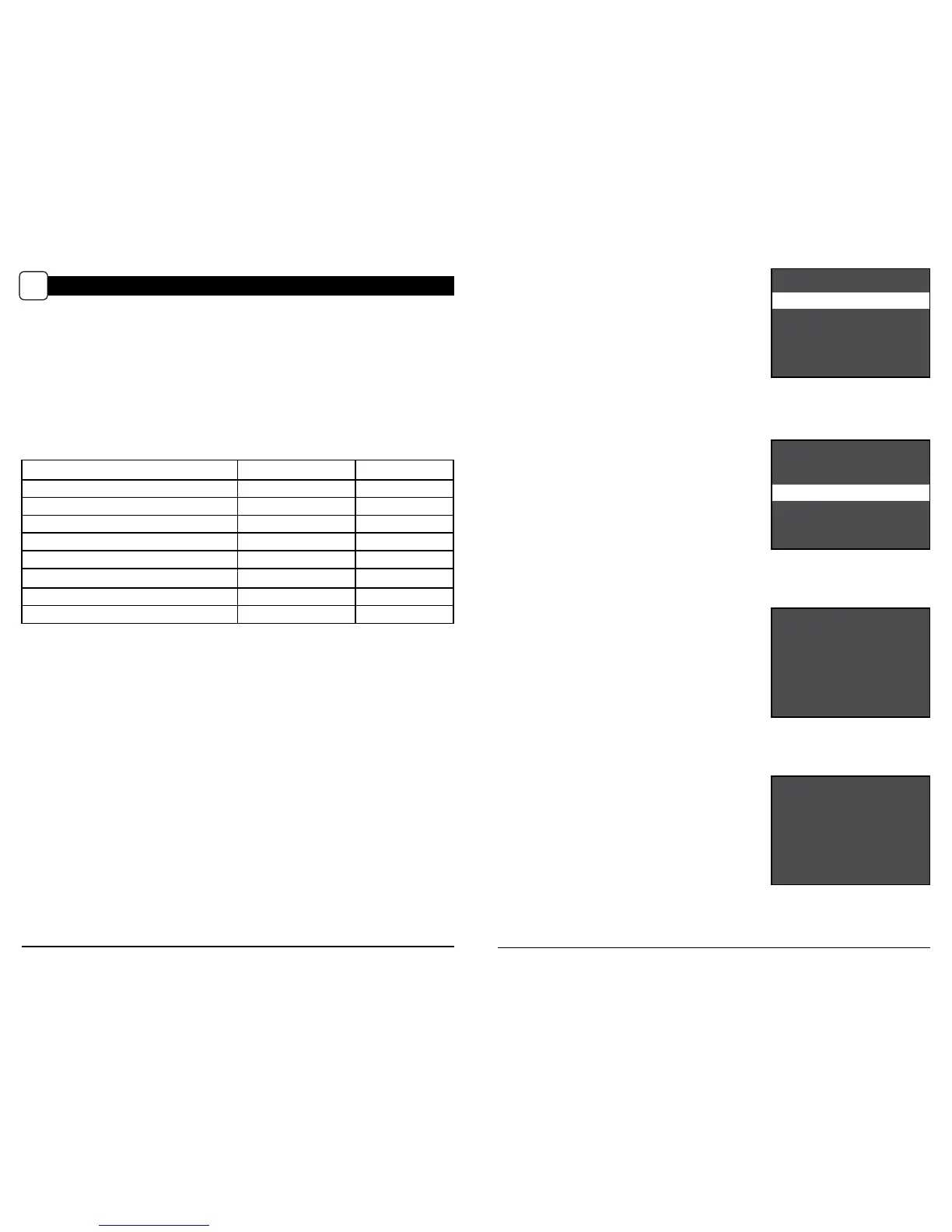
SD Card Size: 2 GB 16 GB
ENHANCED 3840 x 2160 400 3700
HIGH 2688 x 1512 900 7400
MED 1920 x 1080 1800 14900
LOW 1280 x 720 4100 33000
Video Mode
SD Card Size: 2 GB 16 GB
AVI 1280 x 720 (based on 10 sec video) 150 1200
Actual capacity will vary based on image properties.
Specications
Operational Mode Motion Detect / Time Lapse / Hybrid
Resolution 8.0 MP
Still Resolutions JPEG
Low 1280 x 720, Med 1920 x 1080,
High 2688 x 1512, Enhanced 3840 x 2160
Video Resolutions AVI - 1280 x 720
SD Memory Card Up to 32 GB SD card (not included)
Format JPEG - Still pictures, AVI - Video clips
Power Supply 6 C-cell Alkaline batteries (not included)
CAMERA SPECIFICATIONS
VI



 To Next Page