EN - 181
◆ Error codes indication
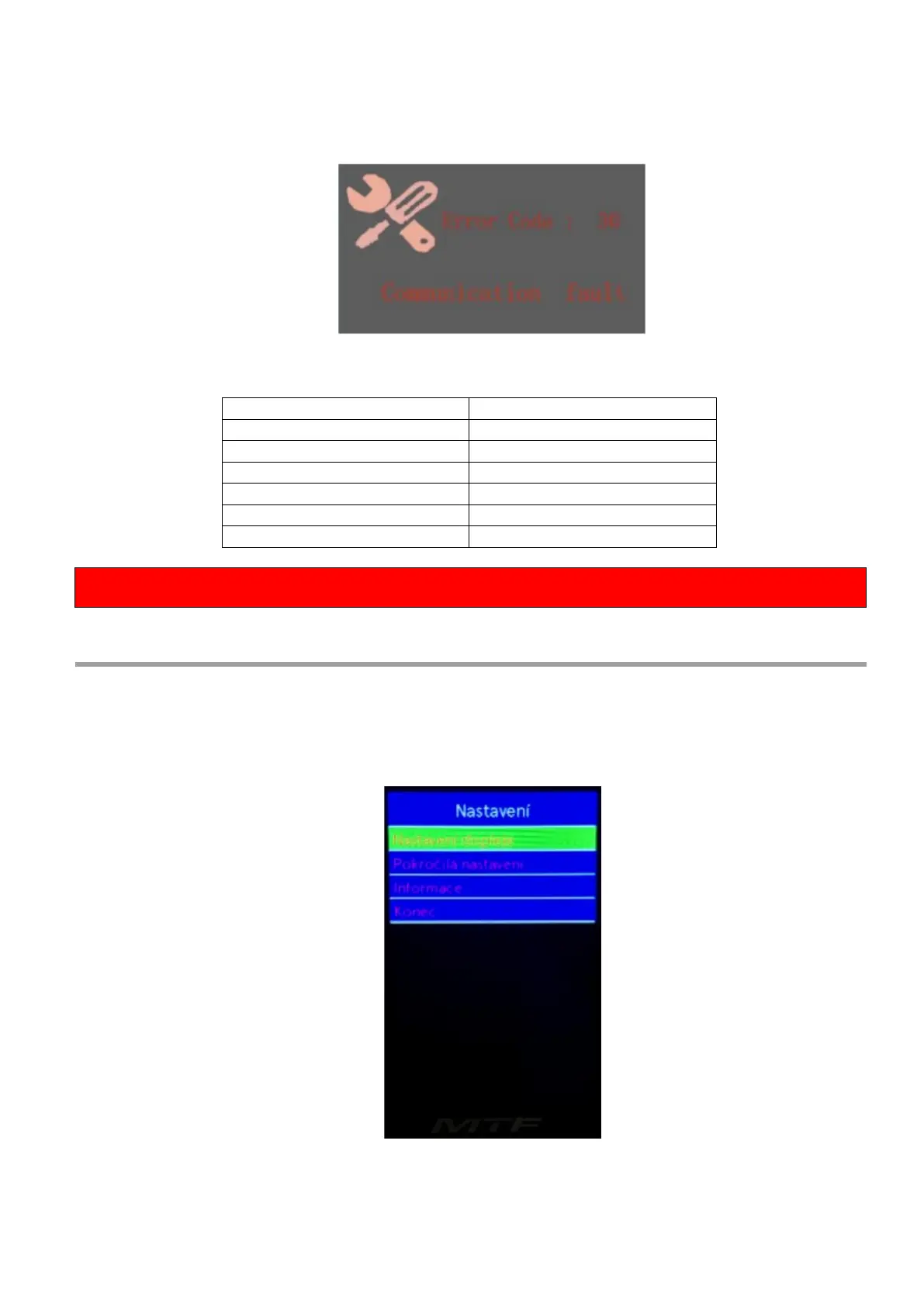
The components of the e-bike system are continuously monitored automatically. If an error is
detected, the corresponding error code is displayed in the text part of the display. A detail of the
error code message listed in the Error Code Table is displayed here.
Table of error codes
If an error code is displayed, have the fault repaired. Otherwise, you will not be able to ride the e-bike
normally. Always contact an authorized bicycle dealer.
Settings
Press the power button to turn on the display.
Press and hold the “i” button for 2 seconds to access the display settings, advanced settings, or
information display menu. Use the "+" or "-" buttons to select one of the menus. Press "i" to enter
the desired menu. To return to the main interface, press and hold the "i" button or select the menu
End by pressing the "i" button to confirm the selection.



 To Next Page