EN - 146
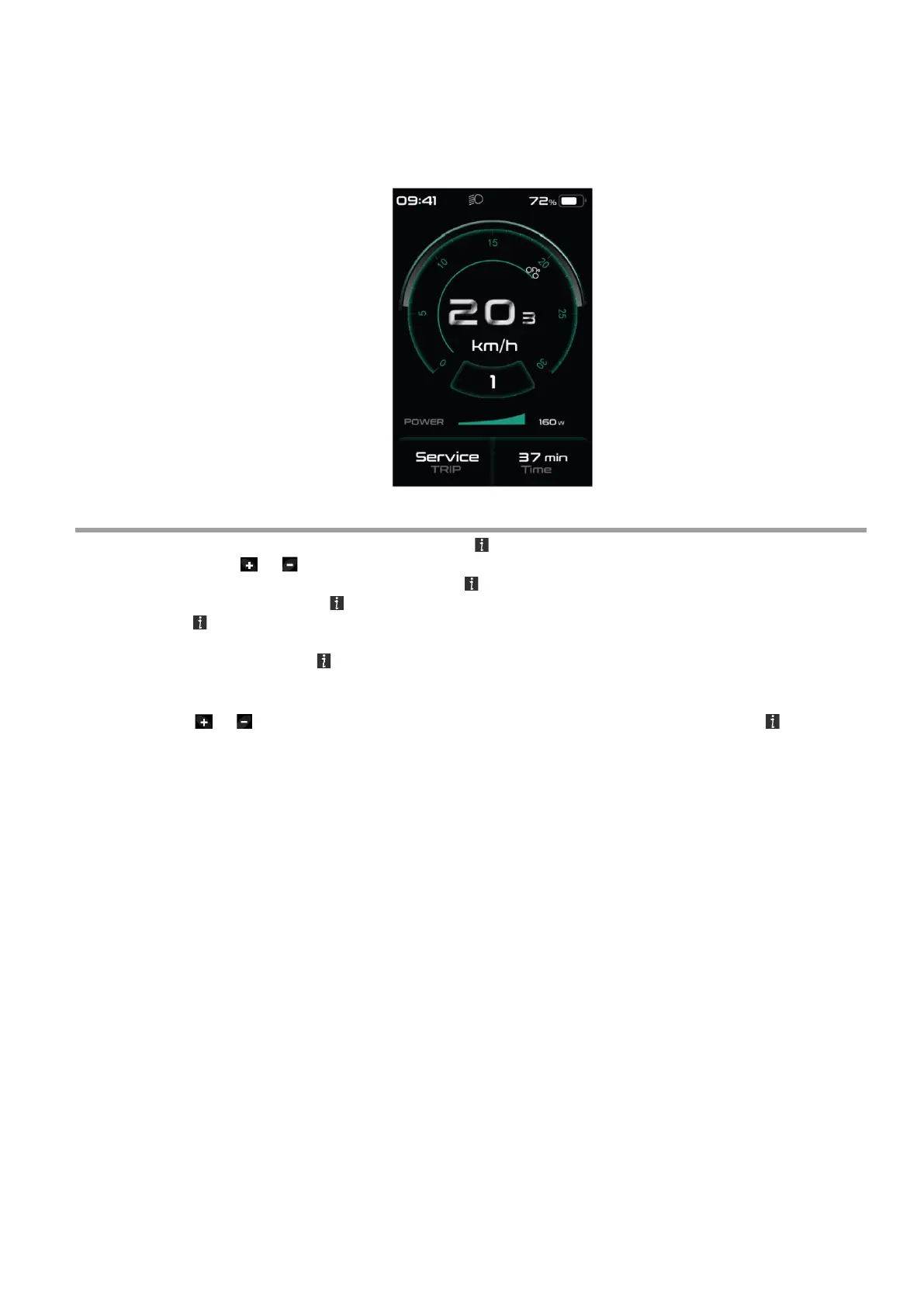
◆ Service
The display shows "Service" as soon as a certain number of kilometers or battery charges has
been reached. With a mileage of more than 5000 km (or 100 charge cycles), the “Service" function
is displayed on the display. Every 5000 km the display "SERVICE" is displayed every time. This
function can be set in the display settings.
Settings
After the display is turned on, quickly press the button twice, to access the “SETTINGS” menu.
By pressing the or (<0.5S) button, you can select: Display
Settings, Information or EXIT. Then press the (<0.5S) button to confirm your selected option. Or
select "EXIT" and press the (<0.5S) button to return to the main menu or select "BACK" and
press the (<0.5S) button to return to the Settings interface. If no button is pressed within 20
seconds, the display will automatically return to the main screen and no data will be saved.
You can quickly press the (<0.5S) button twice at any time, to return to the main screen.
◆ Enter the Display setting
Press the or (<0.5S) button to select Display Settings, and then briefly press the (<0.5S)
button to access the following selections.



 To Next Page