EN - 185
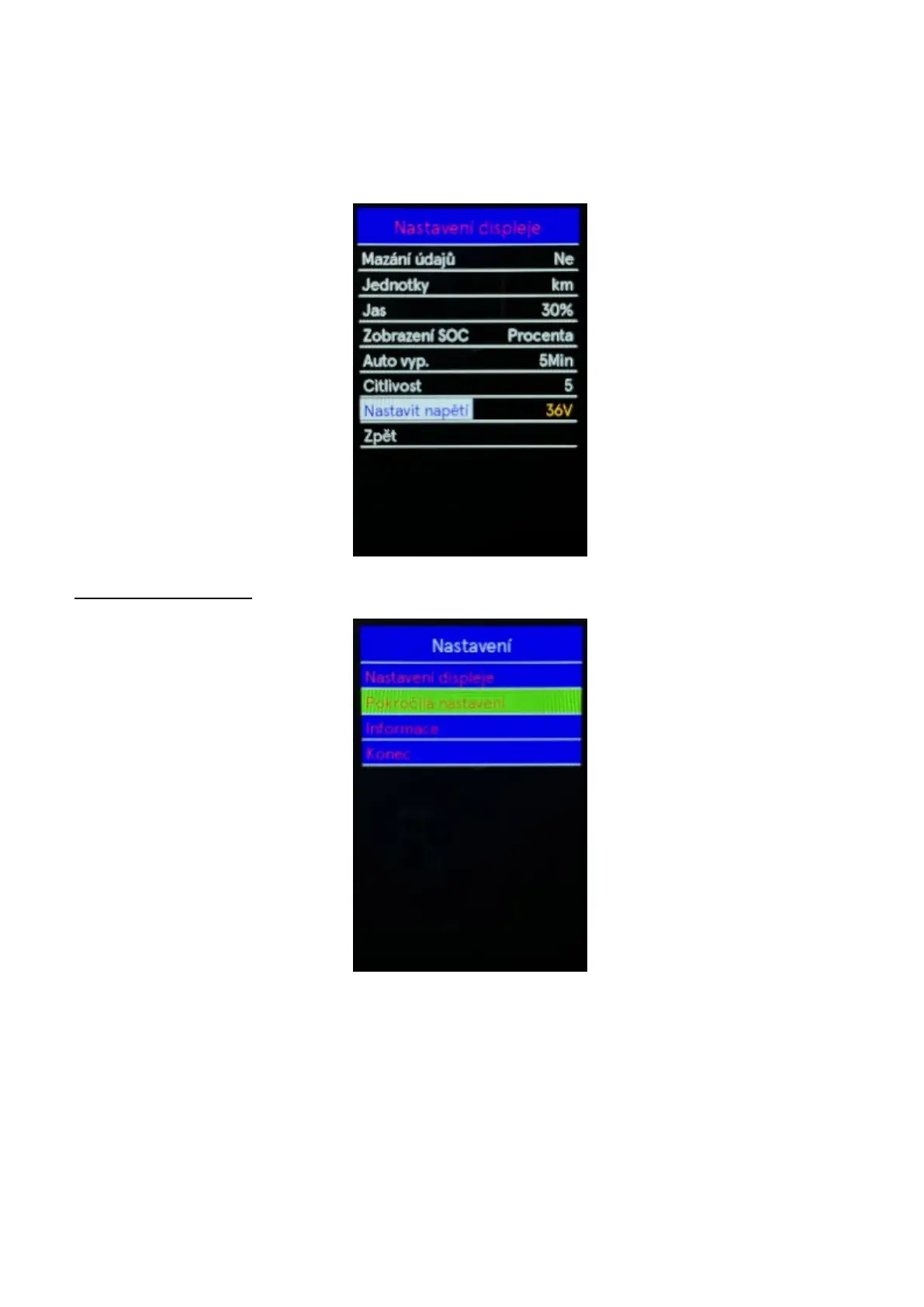
◆ Set Voltage
Use the "+" or "-" buttons to Set Voltage, by pressing the "i" button confirm the option and the
battery voltage information will be displayed. The battery voltage is sensed by the control unit and
the display shows the voltage of the used battery. This setting cannot be changed. To return to the
main interface, press and hold the "i" button or select Back in the menu press the "i" button again to
confirm the selection.
Advanced settings



 To Next Page