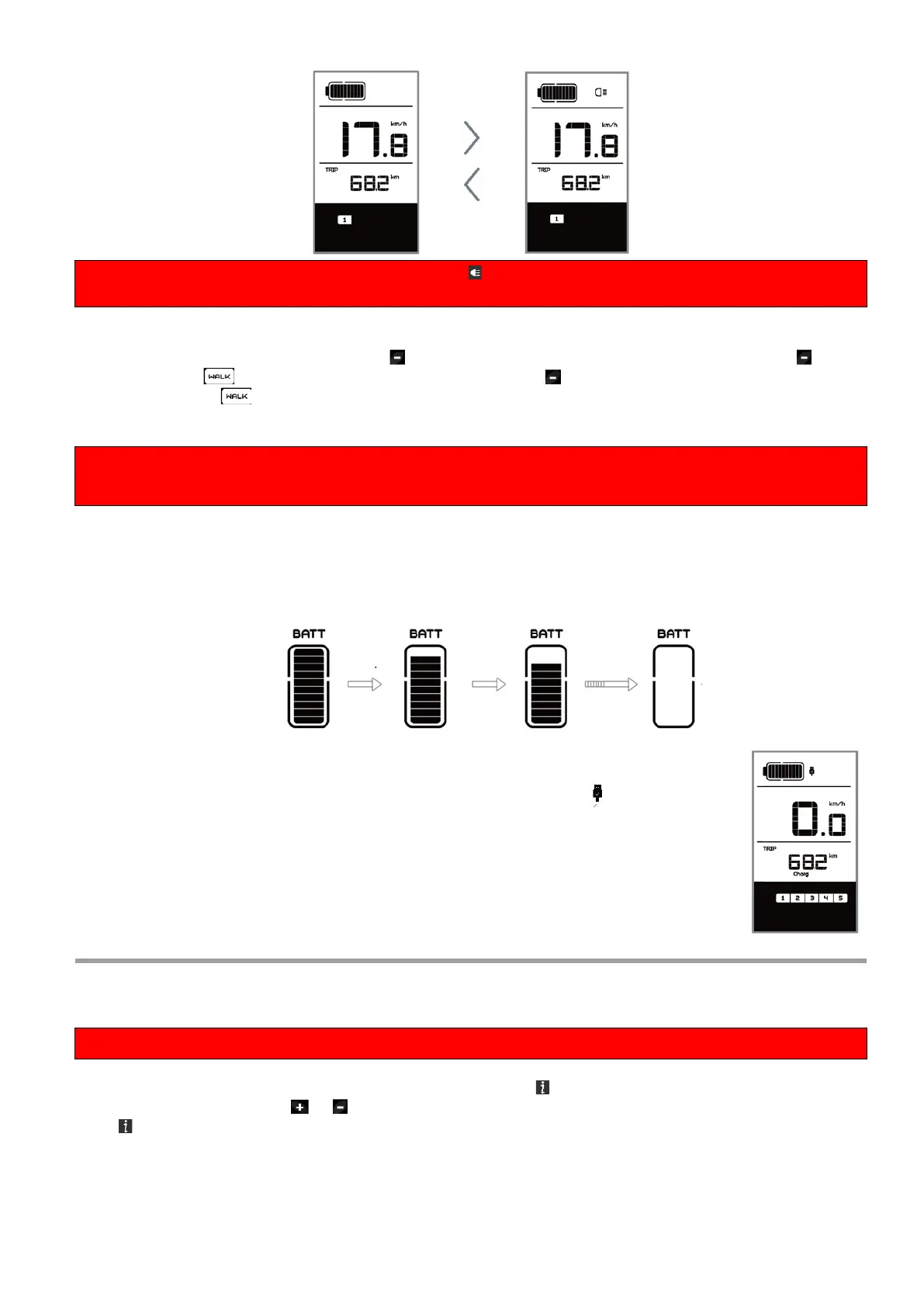
If the front or rear light is not connected, the button can only be used to switch the display backlight
on / off.
◆ Walk Assistance
Activation: Briefly press (<0.5S) the button until to level null, and then press (<0.5s) the
button, the symbol is displayed. Now hold down the button and the Walk assistance will
activate. The symbol will flashes and the pedelec moves approx. 6 km/h. After releasing the
button, the motor stops automatically and switches back to level null (if no option is activated in 5
second). If no speed signal is detected, it shows 2.5km/h.
The Walk assistance can only be activated with a standing pedelec.
Attention! There is a risk of injury when using the Walk Assist if the rear wheel does not come into
contact with the ground.
◆ Battery capacity indication
The battery capacity is showed in ten bars. Each full bar represents a remaining capacity of the
battery in a percentage, if the frame of indicator blinks that means to charge. (as shown in the
figure below):
◆ USB charge function
If an external USB device is connected to the display, the icon appears, the
device will be charged. The maximum charging voltage is 5V and the maximum
charging current is 500mA.
Settings
◆ Enter the settings interface
All settings are made with the e-bike parked.
After the display is turned on, quickly press (<0.3S) the button twice to access the “MENU”
interface. pressing the or button, you can select and reset the options. Then press (<0.3S) the
button twice to confirm your selected option and to return to the main screen. If no button is
pressed within 10 seconds in “MENU” interface, the display will automatically return to the main
screen and no data will be saved.



 To Next Page