EN - 201
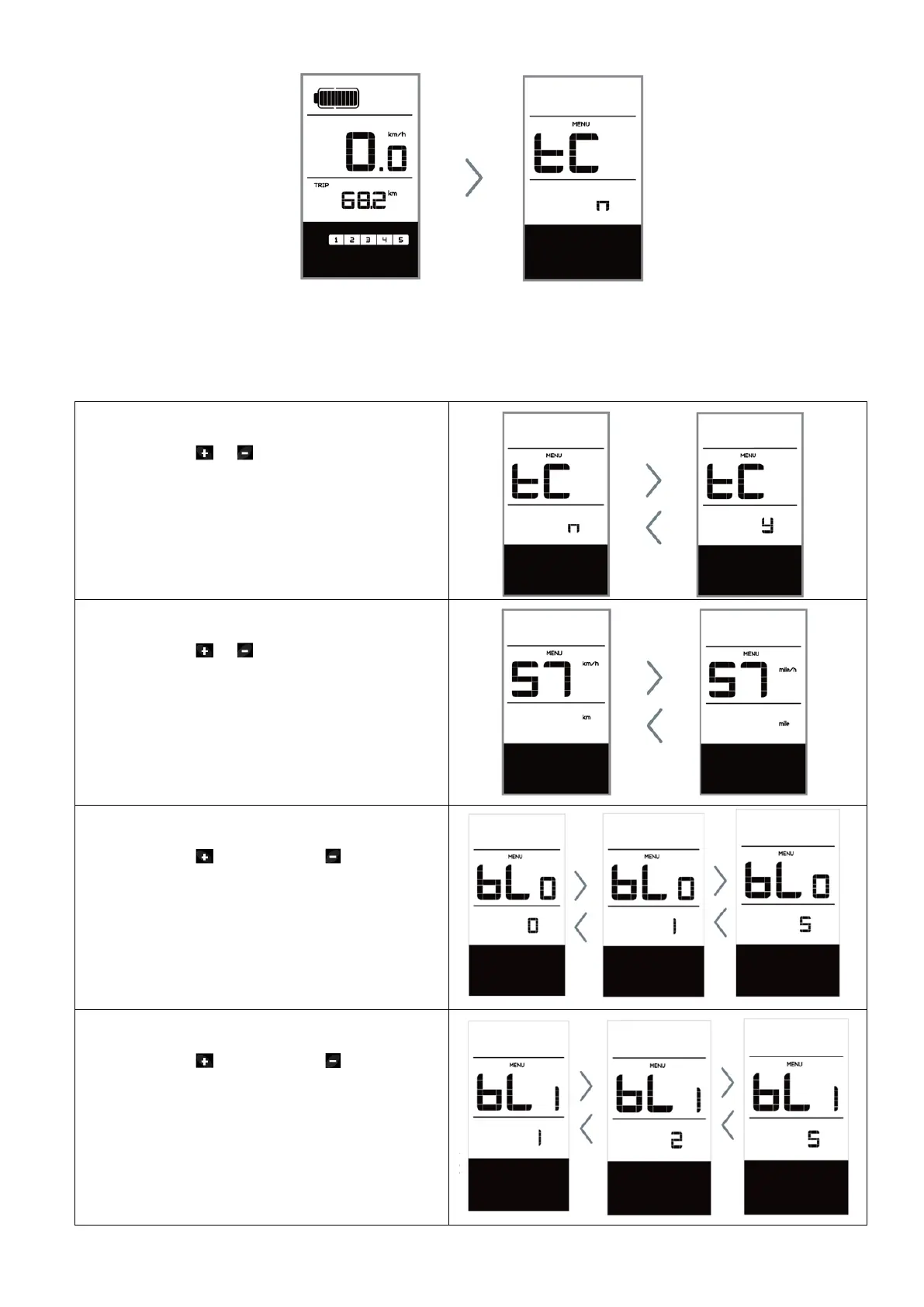
The individual MENU items are sorted below in the order in which they appear on the screen.
Reset mileage „tC“
Now using the or button, choose between
“y”(YES) or “n”(NO). If choose “y”, the Daily
kilometers (TRIP), Maximum speed (MAX) and
Average speed (AVG) will be reset.
NOTE: If the daily kilometers accumulate
99999km, the daily kilometers will be reset
automatically.
Selection of unit in km/Miles „S7“
Now using the or button, choose between
“km/h” or “mile/h
Set light sensitivity „bL0“
Now using the to increase or to reduce
(light sensitivity for 0-5). Chose 0 means turn
off the light sensitivity.
Set display brightness „bL1“
Now using the to increase or to reduce
(brightness for 1-5).



 To Next Page