EN - 189
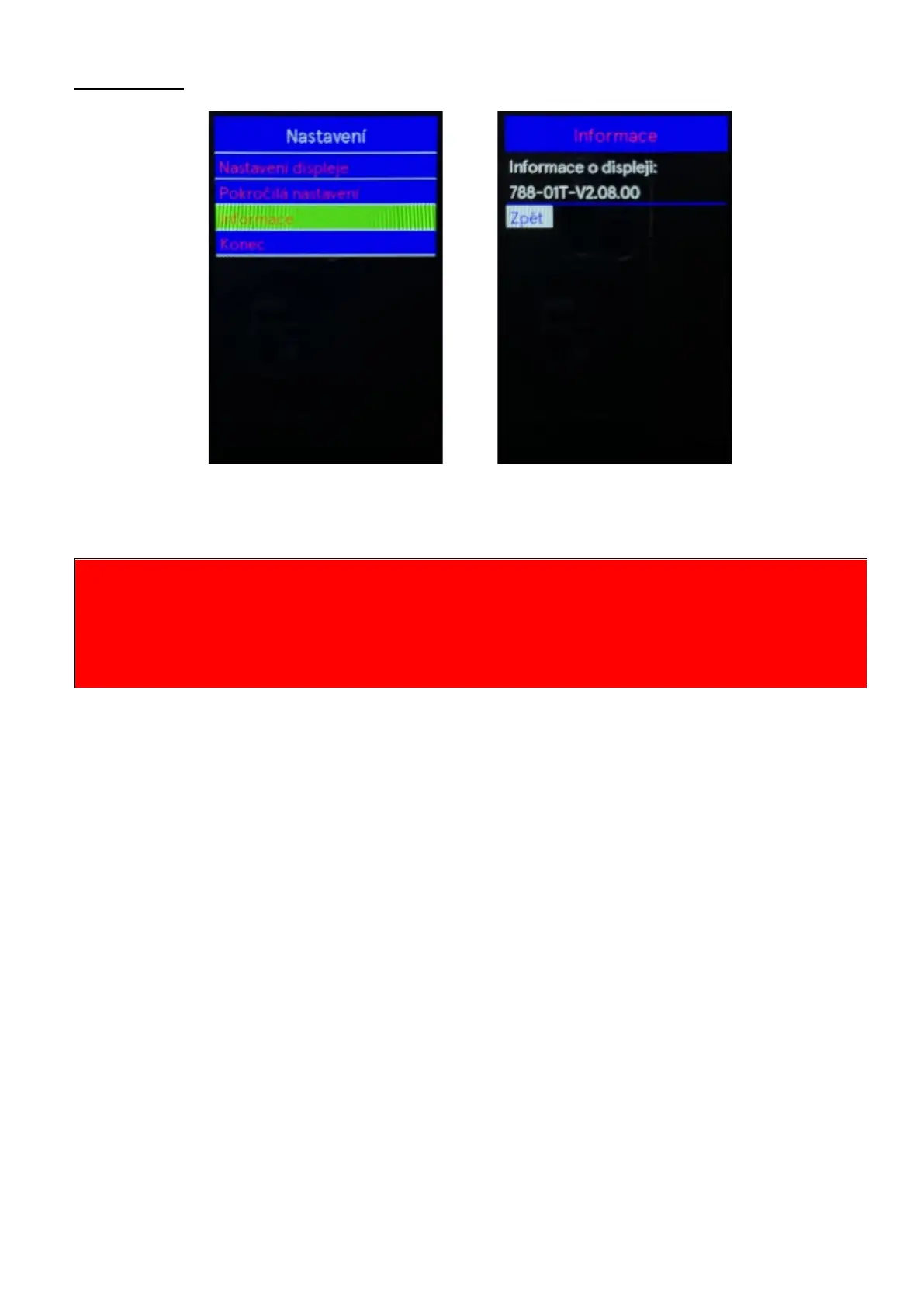
Information
Use the "+" or "-" buttons to select the Information menu by pressing the "i" button confirm the
option information about the display will be displayed. Select Back in the menu to return to the main
interface Press the "i" button again to confirm the selection.
Beware of safe use. Do not attempt to loosen or reconnect the connector while charging the battery or
while the battery power is on.
Avoid the risk of electric shock.
Do not subject the display to shocks.
Do not modify system parameters to avoid parameter mismatch.
If an error code is displayed, have the display repaired.
THIS VERSION OF THE OPERATING INSTRUCTIONS IS INTENDED FOR UNIVERSAL USE FOR
KD 986 DISPLAYS. SOME VERSIONS OF THE DISPLAY SOFTWARE WILL DIFFERENT
DEPENDING ON THE SPECIFICATIONS. ALWAYS USE THE CURRENT VERSION.



 To Next Page