EN - 184
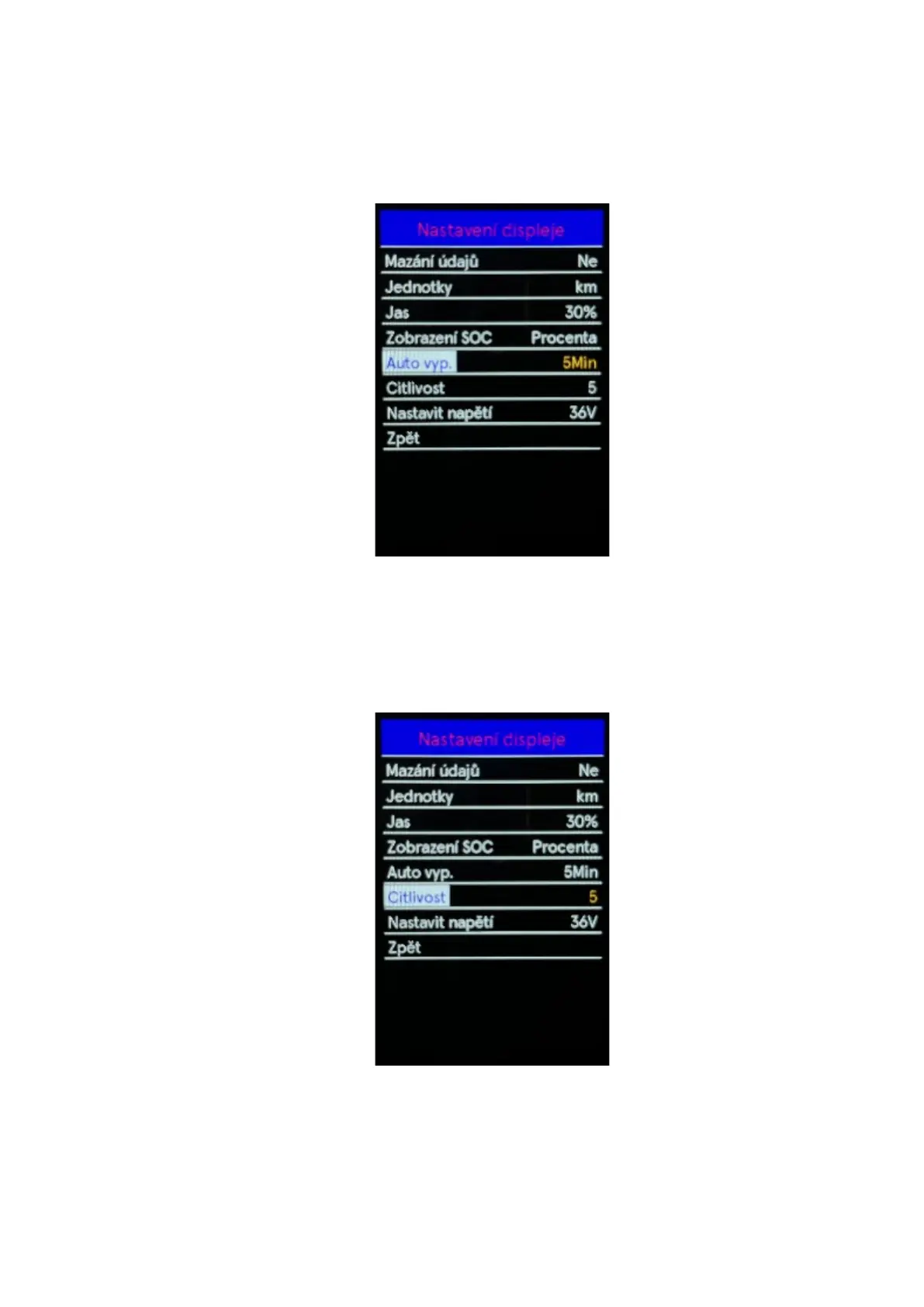
◆ Auto off
Use the "+" or "-" buttons to select the Auto off, by pressing the "i" button confirm the option and
enter the automatic shutdown settings menu. The default auto-off time setting is 5 min. By pressing
the "+" button or "- " select the desired auto-off value in the range of 10-9-8-7-6-5-4-3-2-1 min or
off. Press the "i" button to save the setting change. To return to the main interface, press and hold
the "i" button or select Back in the menu press the "i" button again to confirm the selection.
◆ AL Sensitivity
Use the "+" or "-" buttons to select the AL Sensitivity, by pressing the "i" button confirm the option
and enter the ambient light sensor sensitivity setting menu. The default sensitivity setting is 5. You
can choose between 1-2-3-4-5-Off using the "+" or "-" buttons. Press the "i" button to save the
setting change. To return to the main interface, press and hold the "i" button or select Back in the
menu press the "i" button again to confirm the selection.



 To Next Page