EN - 186
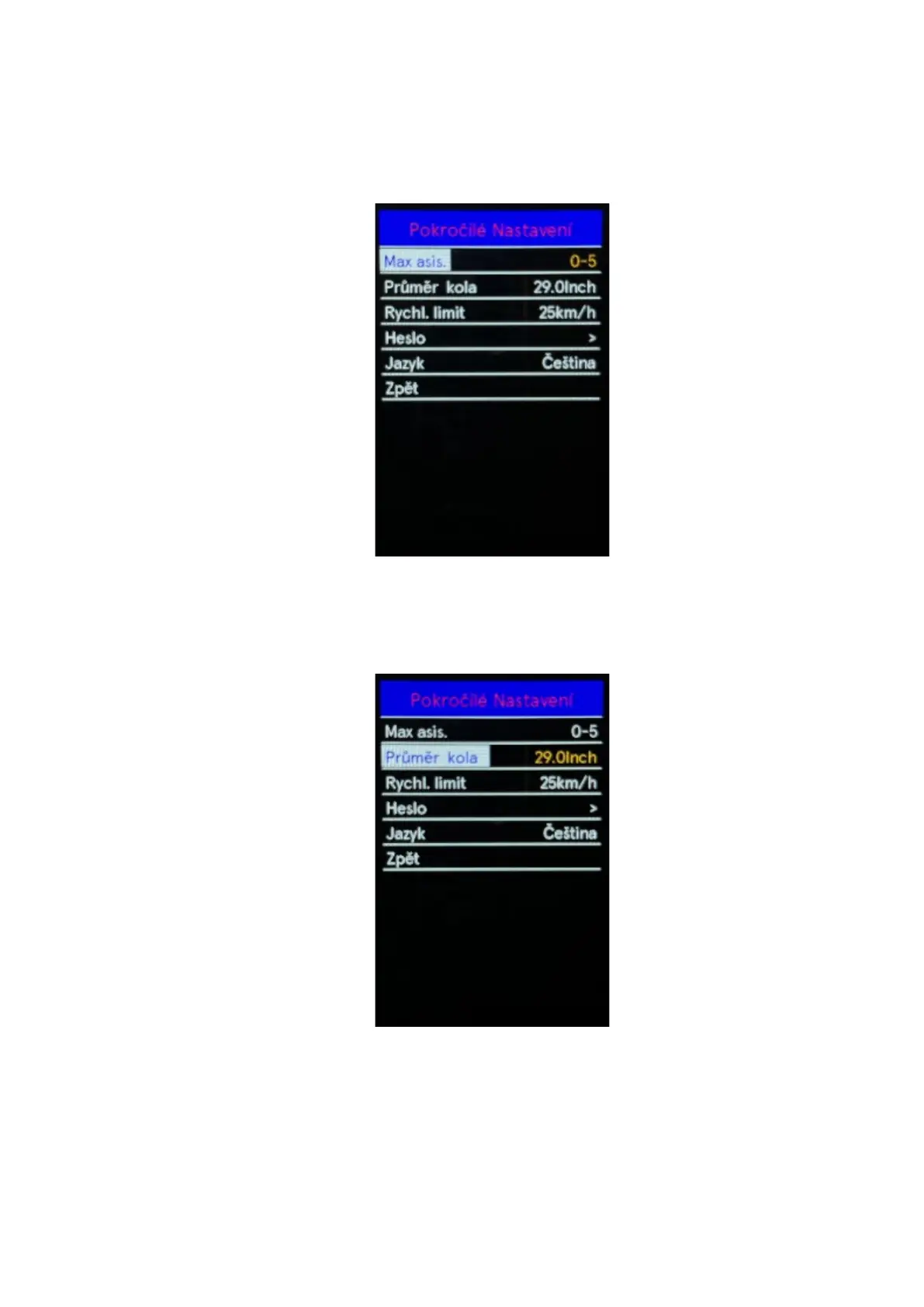
◆ Assist level settings
Use the "+" or "-" buttons to select Max asis, by pressing the "i" button you confirm the option and
enter the menu for setting the motor assistant assistance level. The default engine assist setting is
0-5. Use the "+" or "-" buttons to select one of the 3 motor assist ratio setting options 0-3 / 0-5 / 0-9.
Press the "i" button to save the setting change. To return to the main interface, press and hold the
"i" button or select Back in the menu press the "i" button again to confirm the selection.
◆ Wheel Size
Use the "+" or "-" buttons to select the Wheel size, by pressing the "i" button confirm the option and
information about the wheel size will be displayed. To return to the main interface, press and hold
the "i" button or select Back in the menu press the "i" button again to confirm the selection.



 To Next Page