EN - 195
9 Bluetooth connection and remove
- After the control unit has been paired with the application for the first time, it will automatically
connect every time. Note Mobile networks must be turned on when connecting to Bluetooth.
- If the application cannot find the Bluetooth device Press the "i" and "-" buttons on the control
unit at the same time for 2 seconds. Or reset the control unit to factory settings.
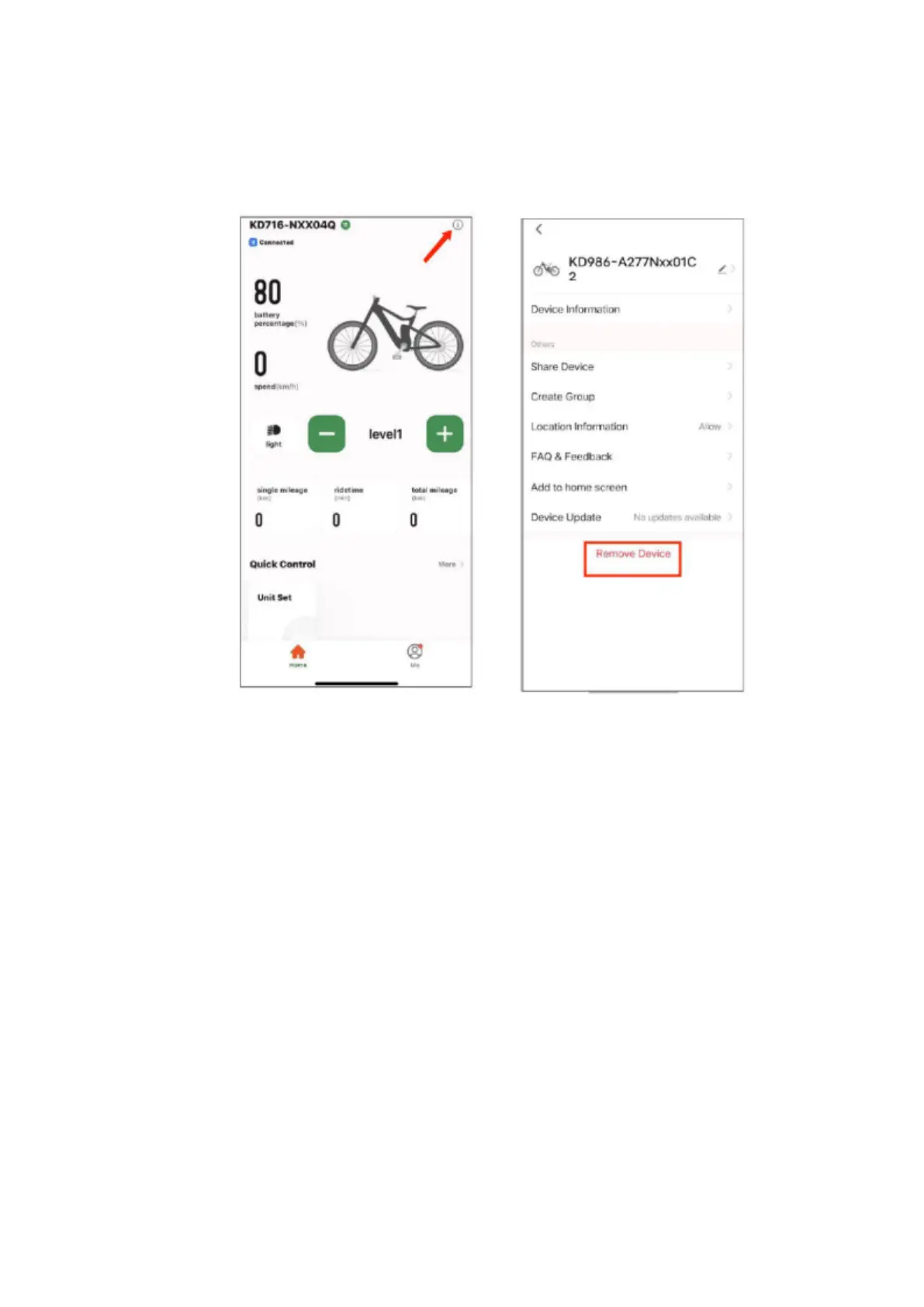
- To remove a paired device, click the icon and on the next screen, select Remove Devices.



 To Next Page