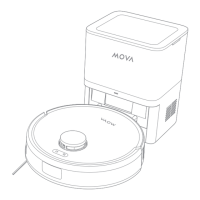
4 5
ENEN
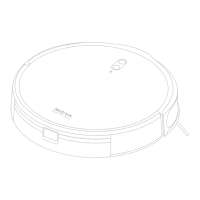
Robot
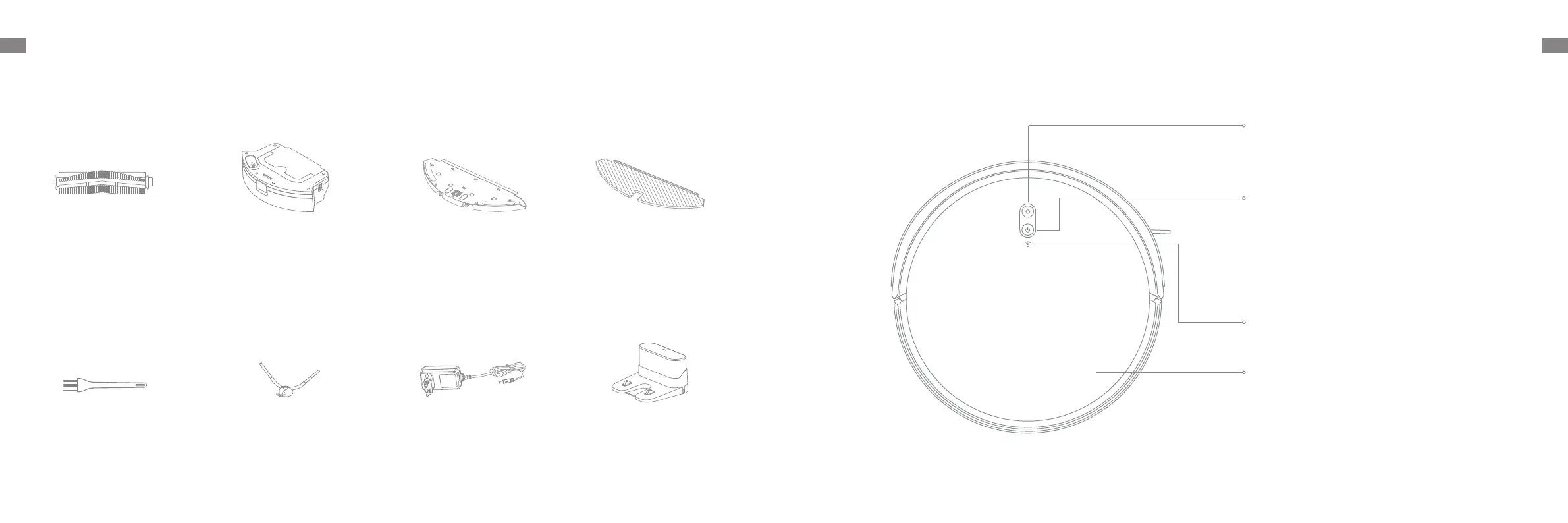
Product Overview
Dock / Spot Cleaning Button
·
Press briefly to send the robot back to the charging dock
·
Press and hold for 3 seconds to start spot cleaning
Power / Clean Button
·
Press and hold for 3 seconds to turn on or off
·
Press briefly to start cleaning after the robot is turned on
Status Indicator
·
Blue: Normal cleaning or charging
·
Orange: Error or low battery
Wi-Fi Indicator
Cover
Accessories
Pre-Installed Accessories
Other Accessories
Product Overview
Cleaning Tool
2-in-1 Water Tank with Dust Box
Mop Pad
Side Brush
Charger
Main Brush
Charging Dock
Mop Pad Holder


 To Next Page