Moxee Tablet User Manual 7
Getting Started
Power on your device
Long press the Power key until the device powers on.
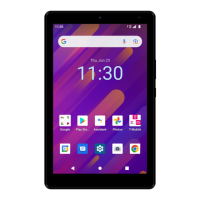
Unlock device screen by using Swipe, PIN, Password or Pattern if necessary. After
unlocking the device, the Home Screen will be displayed.
Power o your device
Long press the Power key until options popup and select Power o.
First time set up
When you rst power on the device, please follow on screen instructions to guide you
through basic setting options.
1. Tap to choose the system language from the list and tap START.
2. Set up an available Wi-Fi network then tap Next or tap Skip.
3. Set Date & time then tap Next.
4. Read Google Services and tap Accept to continue steps.
5. Set the screen lock to protect the device or tap Skip if you would like to set it later.
6. Read Accelerated Location service, check Location Consent and tap Next.
7. Tap FINISH to complete setup steps.


 To Next Page