Use Instructions
Echo/Vascular User Manual (15381-C) Page 17 of 46 DCR-00172
Memory Function
Some product configurations have the ability for the user to set memory positions. The
control box can store two unique positions for buttons P1 and P2. The memory feature
stores the position for height, fowler, and trend.
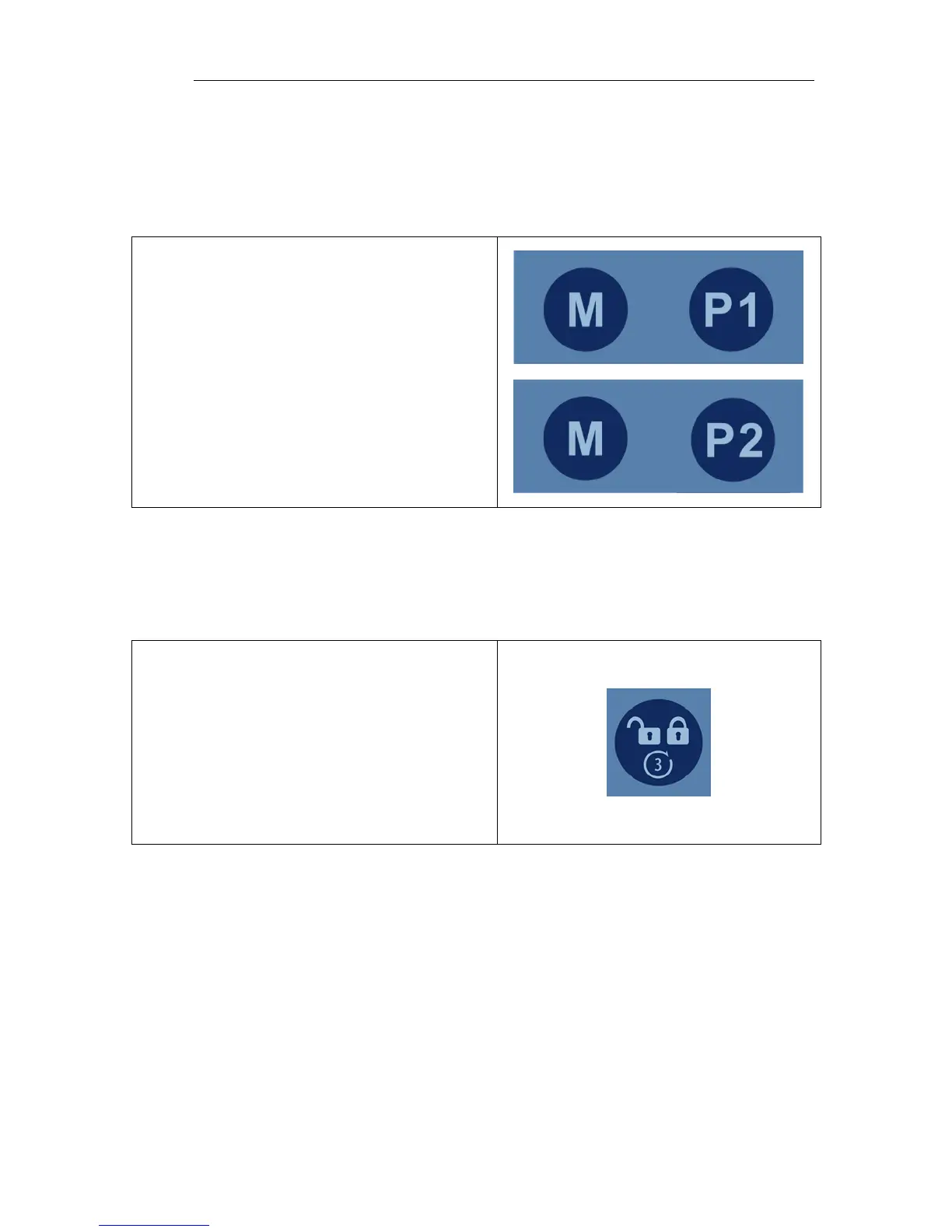
To set a memory position, press and hold the
“M” button and then simultaneously press
and hold either “P1” or “P2”. The green LED
at the top of the hand control will flash 3
times when the memory position has been
set. Setting a memory function takes
approximately 3-4 seconds.
The memory positions can be reset to new
positions by following the instructions above.
Hand Control Lock/Unlock
The hand control function may be locked during the procedure to prevent unwanted
movement if the buttons are inadvertently depressed.
Press and hold the lock/unlock button for 3
seconds to lock functions. The green LED at
the top of the hand control will light up.
Press and hold the lock/unlock button for 3
seconds to unlock functions. The green LED
at the top of the hand control will turn off.


 To Next Page