English
21
English
20
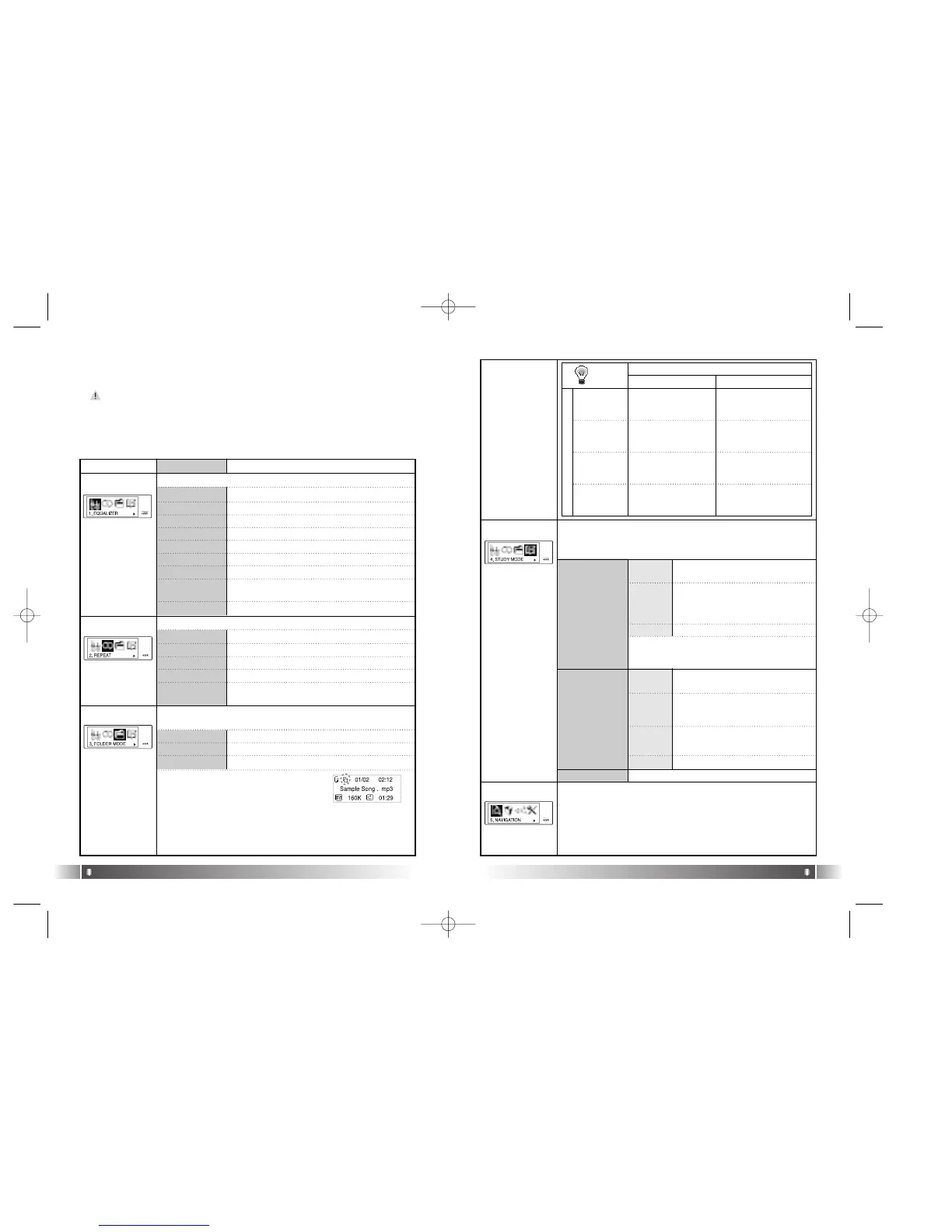
3) Power Menu Setup
A. Power Menu
- Power menu includes the Return Item in each step. Select the
Return Item in the Menu, and you will move to the upper item.
- Press the Menu Button in the Menu shortly, and the Power Menu
is closed and it is changed to Playback/FM Mode.
Menu Lower Item Detail Information
1. FLAT Play in FLAT Mode.
2. POP Play in POP Mode.
3. ROCK Play in ROCK Mode.
4. JAZZ Play in JAZZ Mode.
5. CLASSIC Play in CLASSIC Mode.
6. VOCAL Play in VOCAL Mode.
7.
DYNAMIC BASS
Play in BASS Mode.
8. USER
You can change the 5levels(100/500/2K/7K/
12KHz) of frequency to the value you wish to set.
Select the Equalizer Mode according to the genre of music.
Select the Play Order.
1. NORMAL Play sequentially
2.
REPEAT TRACK
Repeat the Track Selected.
3. REPEAT ALL Play the current music continuously.
4. RANDOM Play Randomly.
Play the whole music stored in the memory or a music stored in the
specific folder.
1. DISABLE Play the Whole Music Stored in the memory.
2. ENABLE Play the music stored specific folder.
* Set the Folder Mode Menu to Enable, and
the Folder Mode Icon is displayed in LCD.
[EQUALIZER]
[REPEAT]
[FOLDER MODE]
FOLDER MODE
1. SPEED
CONTROL
Not use the Speed Control Function.
Control the playing speed of the file
in 9 levels, as 50%, 60%, 75%, 88%,
100%, 125%, 150%, 175% and
200%.
Control the Speed Control Function useful in learning foreign lan-
guages, and Easy Finder Function by which you can easily move
within the file while it is played.
2. EASY FINDER
While you play a music file, you can select next music using the NAV-
IGATION Menu.
[STUDY MODE]
[NAVIGATION]
REPEAT
ALL
REPEAT
TRACK
NORMAL
RANDOM
Play the whole music in
the memory once in con-
secutive order and stop.
Play the whole music
stored in the folder once in
consecutive order and stop.
Repeat the current
music continuously.
Repeat the current
music continuously.
Repeat the whole music in
the memory continuously
in consecutive order.
Repeat the whole music
stored in the folder continu-
ously in consecutive order.
Repeat the whole music
saved in the memory con-
tinuously in random order.
Repeat the whole music stored
in the specific folder continu-
ously in random order.
DISABLE ENABLE
R
E
P
E
A
T
1. OFF
2. USER
Not use the Easy Finder Function.
When you search using the Joystick
while a file is played, it will move the
amount of about 5 sec.
1. OFF
2. 1STEP
When you search using the Joystick
while a file is played, it will move the
amount of about 10 sec.
3. 2 STEP
TIP
Speed Control function is applied only to the MP3
file at the Sampling Rate of 22.05KHz or under
below.
9. RETURN Move to the Upper Item
5. RETURN Move to the Upper Item
3. RETURN Move to the Upper Item
3. RETURN
Move to the Upper Item
* The music not stored in the folder is considered as stored in the top-
level folder (ROOT).
*
The Player plays music files as you set 'REPEAT' and 'FOLDER
MODE', the following table shows how the setting works accordingly.
4. RETURN
Move to the Upper Item
3. RETURN Move to the Upper List
FL100-Eng-EU1 12/5/96 3:20 PM Page 20



 To Next Page