MAINTENANCE
Before any maintenance or cleaning work is carried out, DISCONNECT the appliance from the
ELECTRICITY supply and ensure that the appliance is completely cool.
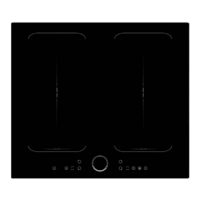
CLEANING THE HOB SURFACE
Clean spillages from the hob surface as soon as possible after use. Always ensure that the
surface has cooled down before cleaning.
Use a soft cloth or kitchen paper to clean the surface. If the spillage has dried on the surface
you may need to use some specialist vitro- ceramic glass cleaner, available from all good su-
permarkets.
Do not use other abrasive cleaners and/or wire wool etc. as this may scratch the surface of
the hob.
WHAT TO DO IF SOMETHING GOES WRONG
There is no power to the appliance:
Check there is not a power cut
Check there is power to the electric socket/appliance
Has the set time elapsed?
After cooking the letter ‘ H ’ is displayed:
This is the hot surface indicator – it will remain on until the appropriate heat zone has
completely cooled down.
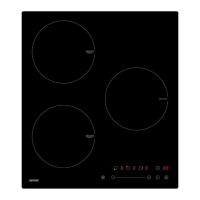
WHAT TO DO IF INDUCTION HOB GOES WRONG
After switching off, the appliance sounds like it is still running:
This is the cooling fan – it will remain on until the appliance has completely cooled down.
This indicates high temperature. Allow the hob to cool down then start again the hob makes
a ‘clicking’ noise during use:
This is quite normal – it is the sound of the induction coils during operation.
52
MPM-45-IM-07, MPM-60-IM-04, MPM-60-IM-05_instrukcja_v03.indd 52MPM-45-IM-07, MPM-60-IM-04, MPM-60-IM-05_instrukcja_v03.indd 52 30.03.2020 10:1930.03.2020 10:19


 To Next Page