16
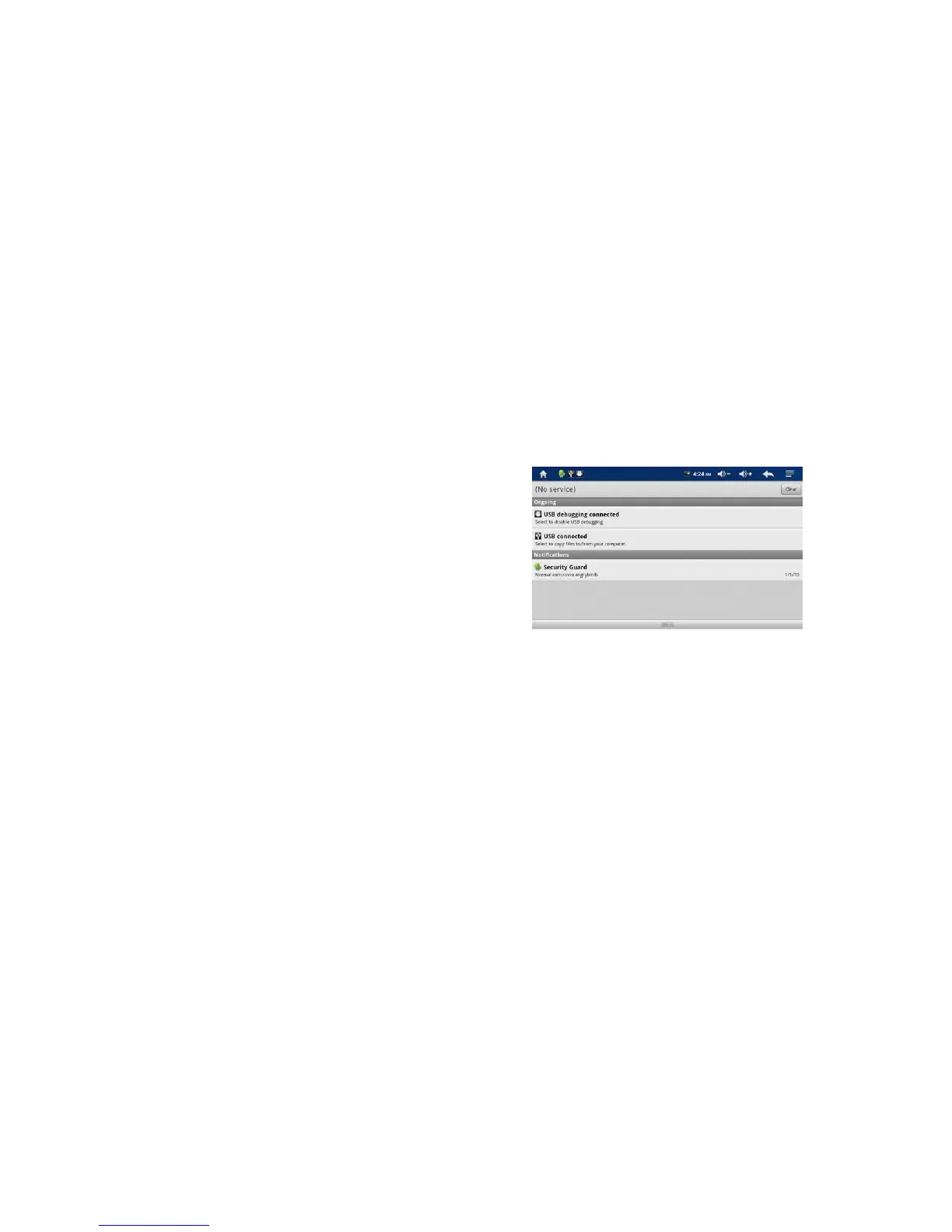
5. Tap “USB connected” and tap again “Turn on USB Storage”
6. Now, MP710 will be recognized as a removable disk by your PC
7. Simply copy and paste files you want from PC to MP710
8. After you finish, Press “Turn off USB storage” to disconnect the USB cable from the player
Note:
If HOST MODE selected in setting menu, MP710 does not recognize as a removable disk. You can use
removable disk by deselect HOST MODE.



 To Next Page