39
- Email
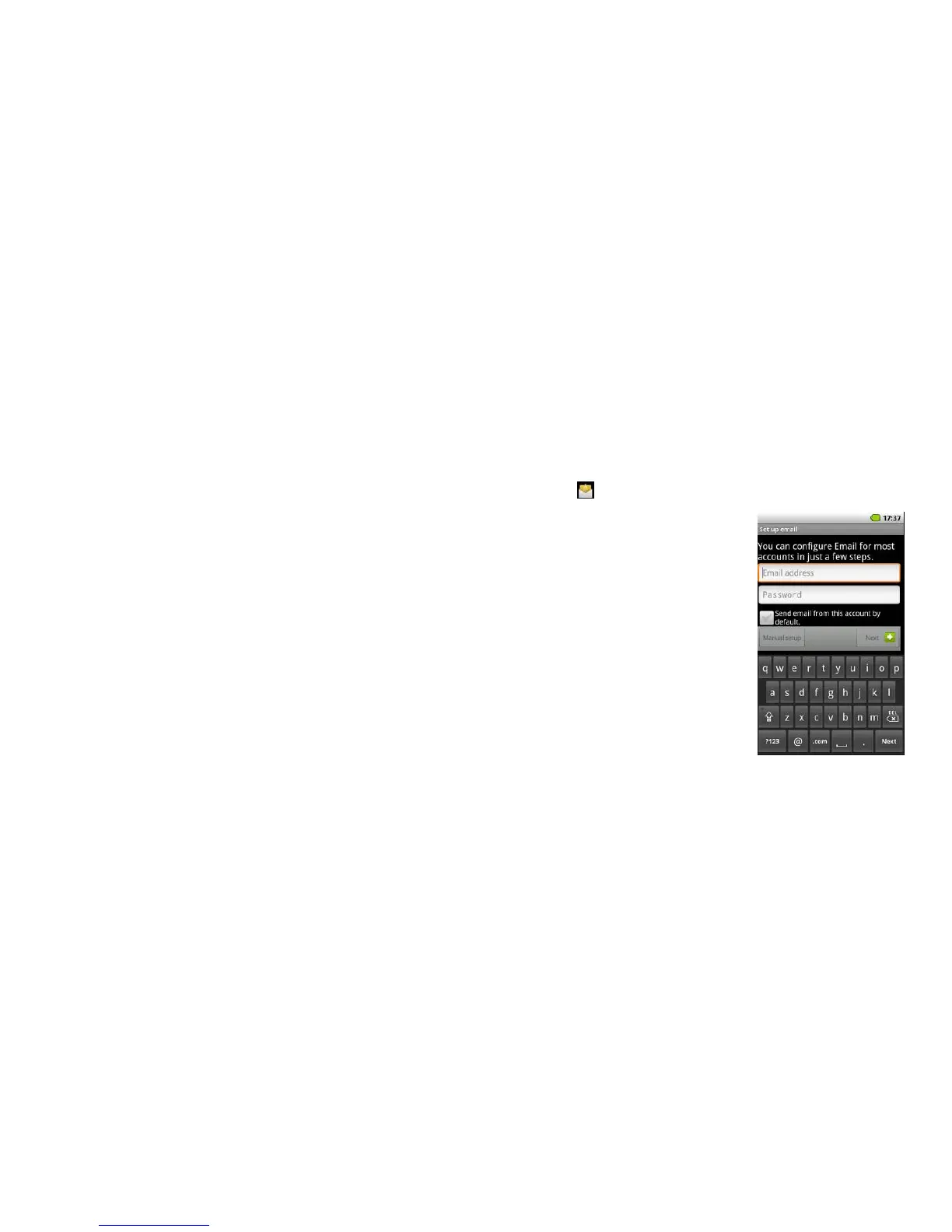
Tap the Email icon from the applications screen. If you use the Email feature for the first time, you
will need to set up your email account.
1. Enter your email address by tapping the email
address box
2. Enter the password in the password box and then
tap next
3. When the automatic registration is complete, you
can set the name for your email account and start
using the email service.



 To Next Page