21
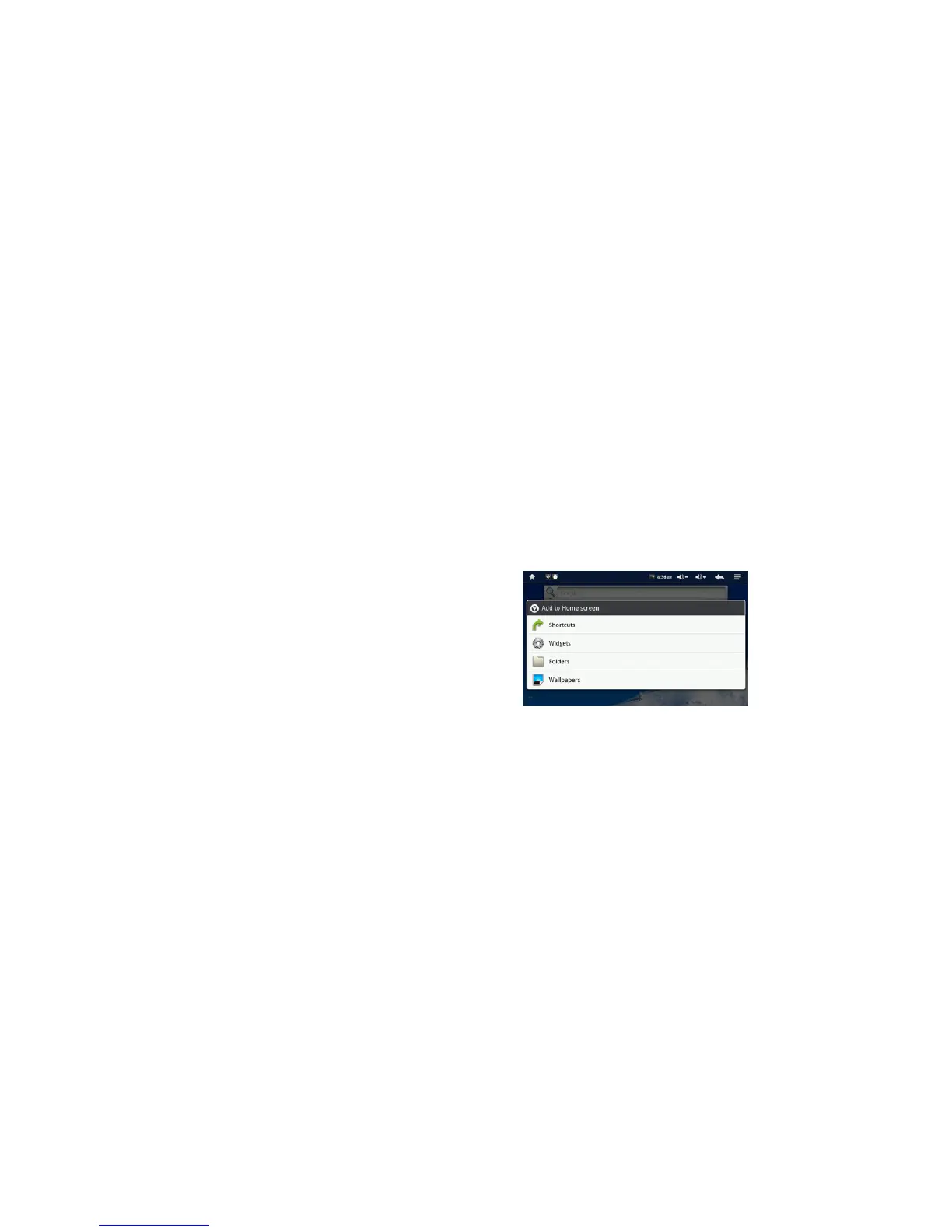
- Adding Widget, Shortcuts, and Folders
1. Navigate to the home screen where you want to add the item
2. Tap and hold an empty spot on your Home screen. It will show you a pop-up window with
available options
3. Tap Android Widgets, Shortcuts, or Folders
4. Tap the item to add
Notes: Explore various options to make MP710 personalized for your style



 To Next Page