15
+ MOVING FILES FROM PC TO MP710
You can move files from/to MP710 and PC easily via the USB Cable.
1. Make sure MP710 is on
2. Connect MP710 to your PC with the USB cable.
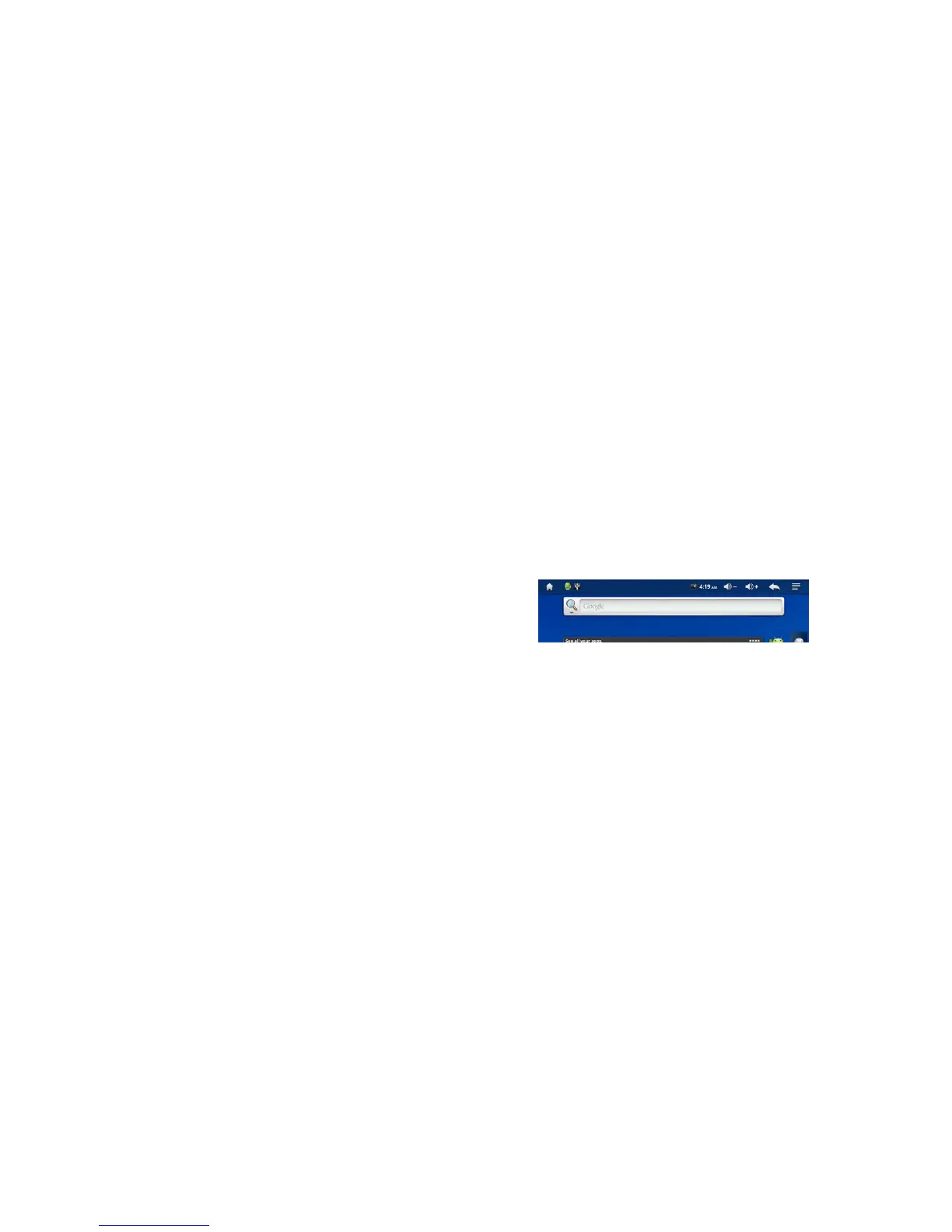
3. When successfully connected, the status bar will show you icon on the top left side of the
screen
4. Pull down the Status bar by dragging it downward to open the screen



 To Next Page