33
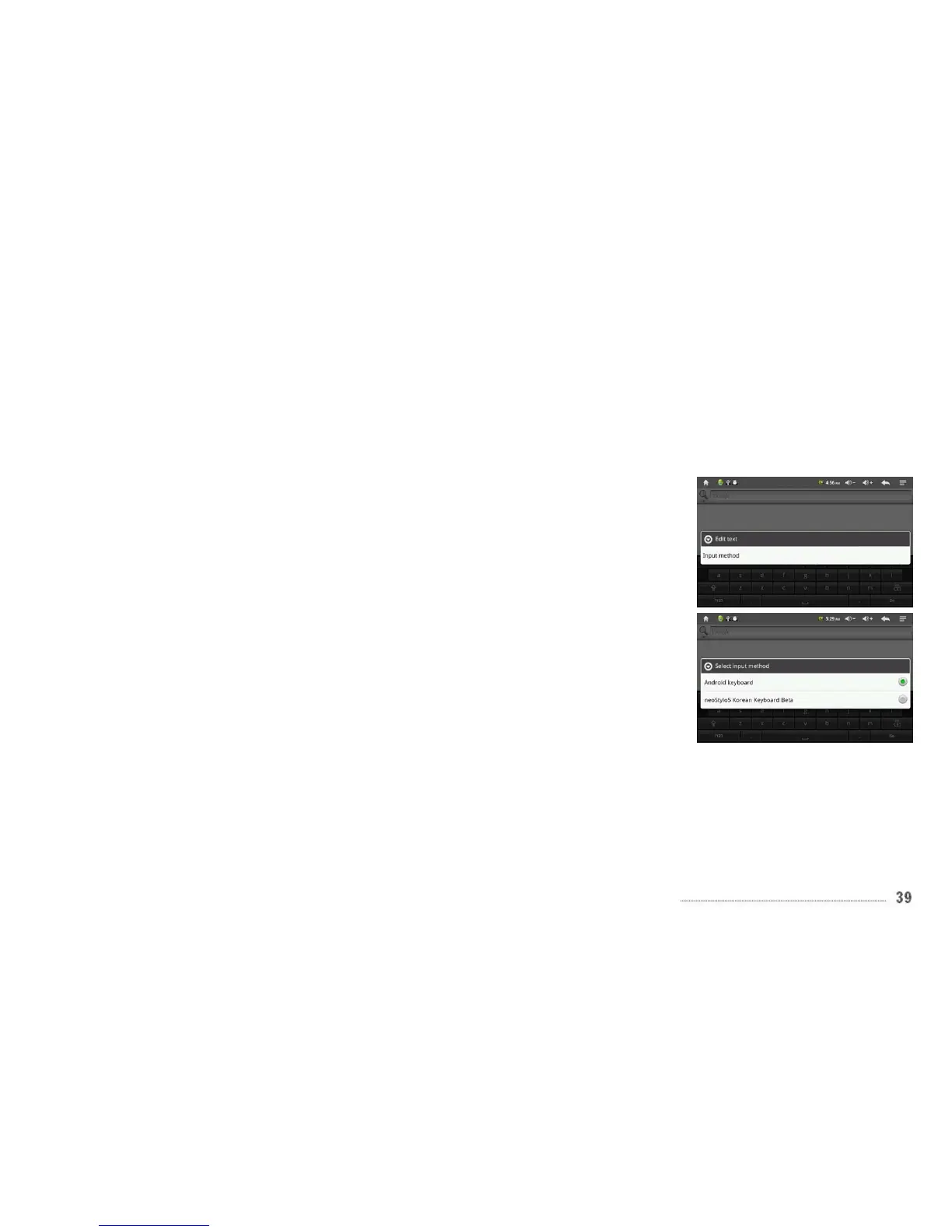
- Changing Input Method
In any data input field, tap and hold down the
field, and you will see an Edit Text field pop-up
window
Tap the Input method and you will see all
keyboards available if you have installed more
than one keyboard for other languages. Select
the keyboard, then the keyboard will appear
with the desired language you installed.



 To Next Page