11. SYSTEM RESET
If the meter happen the troubles such as :
CPU system is hold ( for example, the key button can
not be operated... ).
Then make the system RESET will fix the problem.
The system RESET procedures will be either following
method :
During the power on, use a pin to press the " Reset Button "
( 3-16, Fig. 1 ) once a while will reset the circuit system.
12. RS232 PC SERIAL INTERFACE
The instrument has RS232 PC serial interface via a 3.5
mm terminal ( 3-17, Fig. 1 ).
The data output is a 16 digit stream which can be
utilized for user's specific application.
A RS232 lead with the following connection will be
required to link the instrument with the PC serial port.
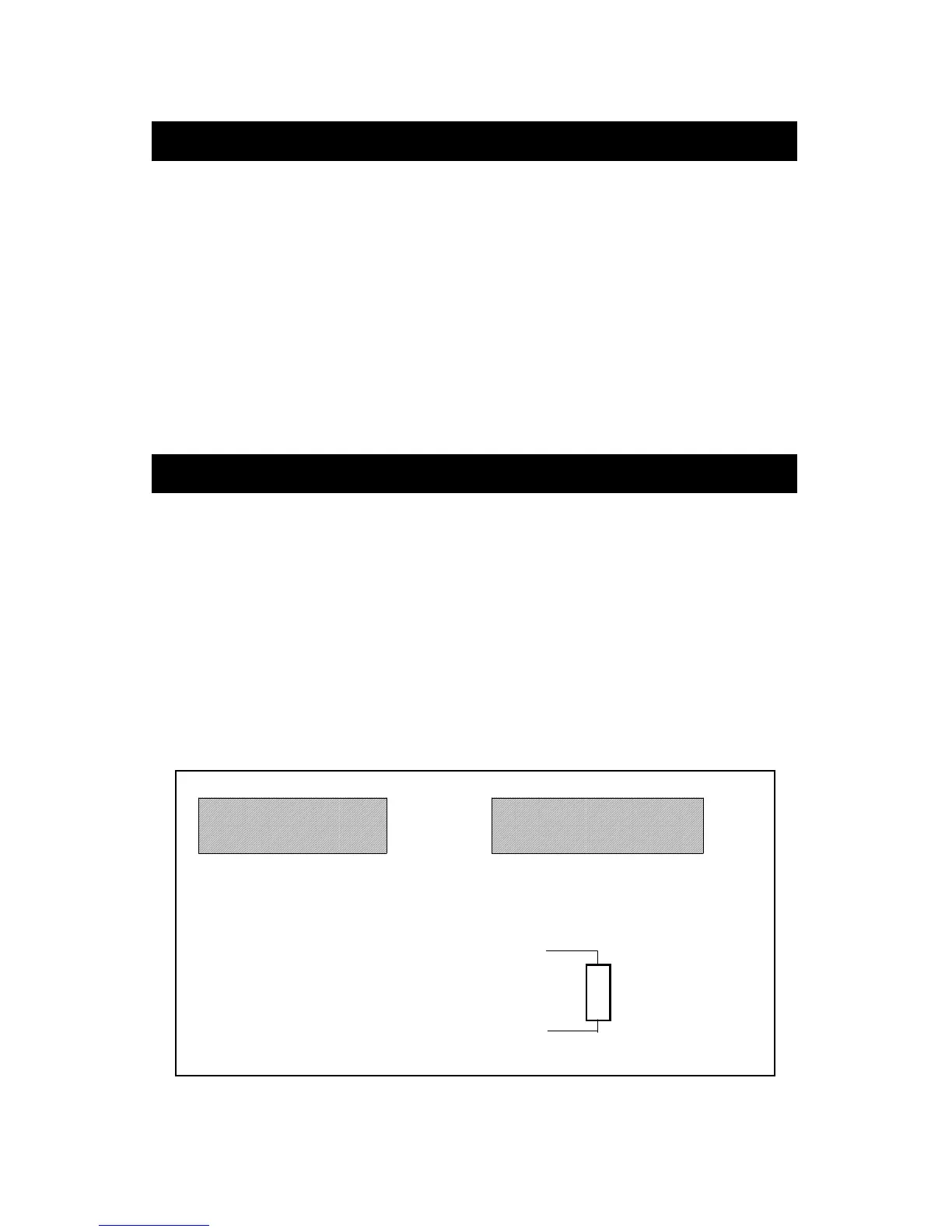
Meter PC
(9W 'D" Connector)
Center Pin........................Pin 4
(3.5 mm jack plug)
Ground/shield.....................Pin 2
2.2 K
resister
Pin 5
27


 To Next Page