8 Additional Information
US Lochinvar ProtoNode FPC-N54 Guide 35
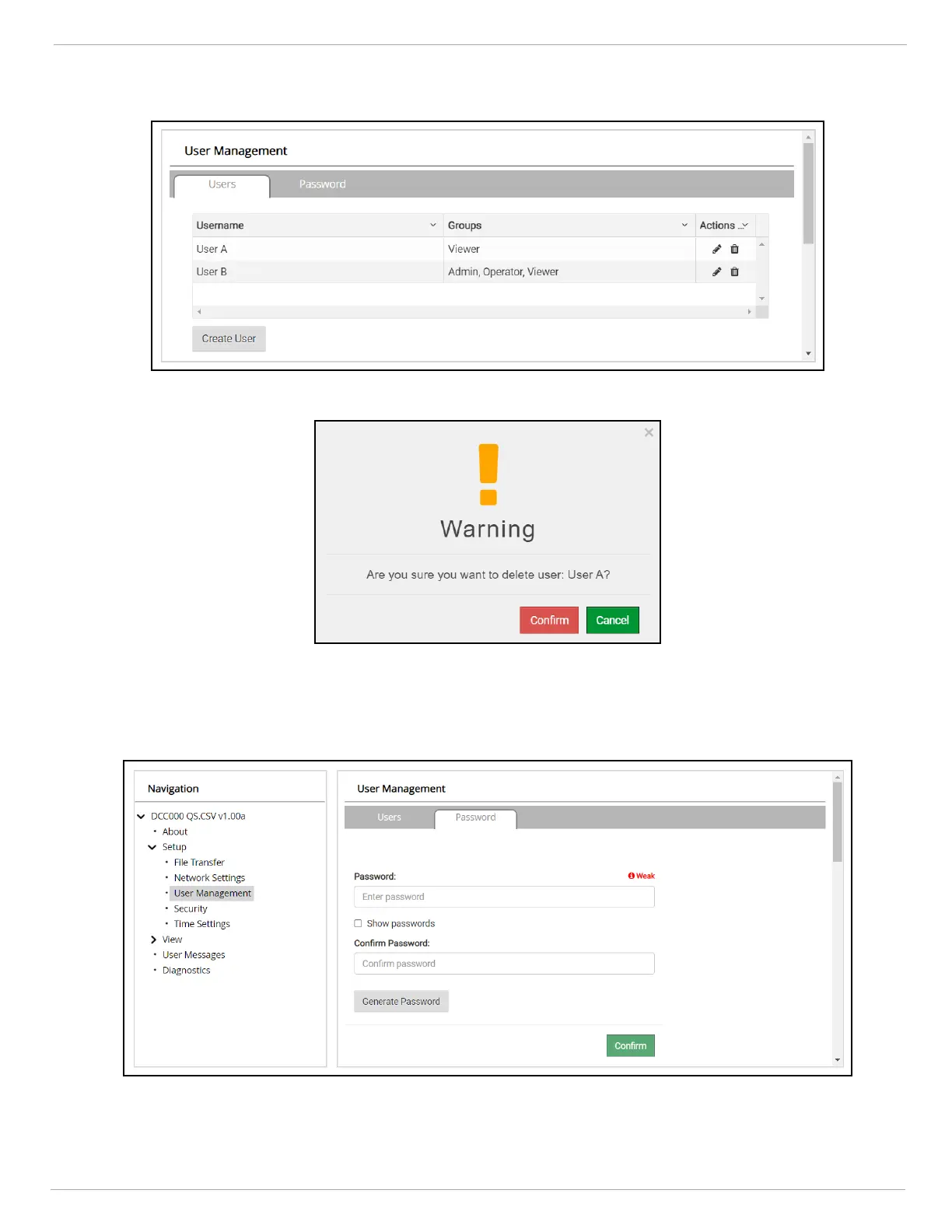
8.7.3 Delete Users
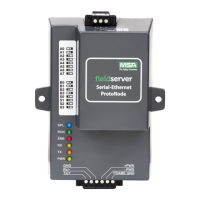
• Click the trash can icon next to the desired user to delete the entry.
• When the warning message appears, click Confirm.
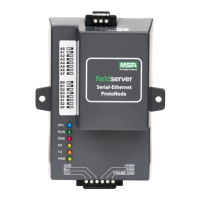
8.7.4 Change FieldServer Password
• Click the Password tab.
• Change the general login password for the FieldServer as needed.
NOTE:The password must meet the minimum complexity requirements. An algorithm automatically checks
the password entered and notes the level of strength on the top right of the Password text field.


 To Next Page