38
3103-1001 Rev. 0
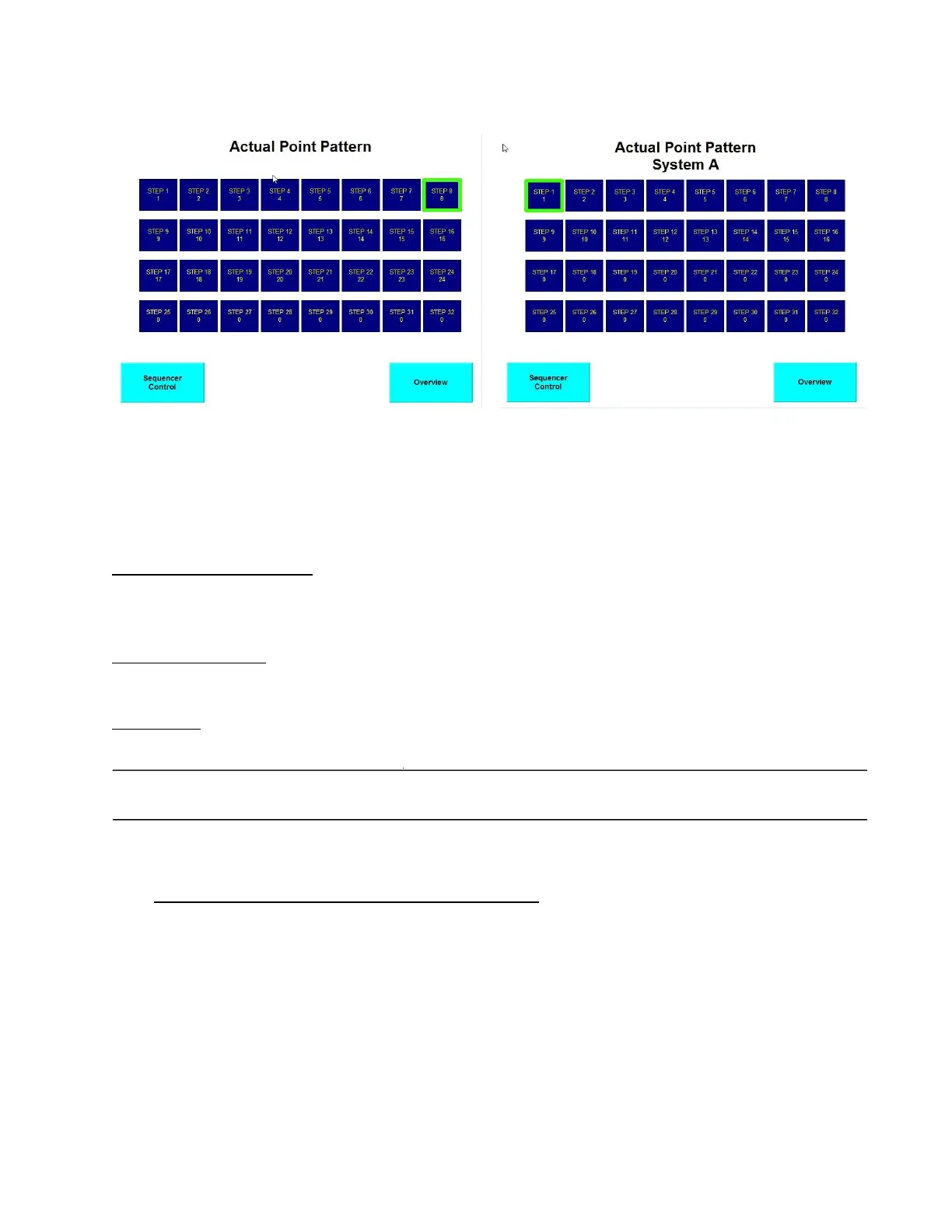
Figure 15: Actual Point Pattern Figure 16: Actual Point Pattern (Dual – System A)
The Actual Point Pattern screen consists of the following:
"Step 1" through "Step 32" - An array of 32 indicators depicting each of the 32 steps in the
sequencer. The number contained in each step indicator is the physical sampling valve number. The
current sequencer step will be framed in green, and will cycle through all valid sequence steps.
"Sequencer Control" - This is an HMI navigation button which switches the screen back to the
Sequencer Control screen.
"Overview" - This is an HMI navigation button which switches the screen back to the Overview.
.Dual MultiGard 5000 Units
There are two Actual Point Pattern screens; System A and System B. Note that each sequencer has
32 steps.
4.1.8 About MultiGard 5000 Unit and Security Check
This screen contains information about MSA, the MultiGard 5000 System, and the customer order.
It also serves as the security check point or gateway into the secured system setup section of the
screen package (part 2).



 To Next Page