79
3103-1001 Rev. 0
10.2 Retrieving Event Log
To Retrieve the event log from the Mutligard 5000, the SD card with the batch file needs to be
inserted into the SD slot on the back side of the touchscreen interface. With the door of the
Multigard open and looking at the back of the touchscreen interface, the SD slot is located to the left
side on the back of the interface. The SD card needs to be inserted for a moment until the LCD
screen of the interface briefly displays a white screen with a small amount of text. Once the LCD
screen returns to the Multigard 5000 program, the retrieval of the event log is complete and the SD
card can be removed from the slot.
10.3 Viewing Alarms
All necessary programs are present on the SD card to view, print and export the event log. To begin
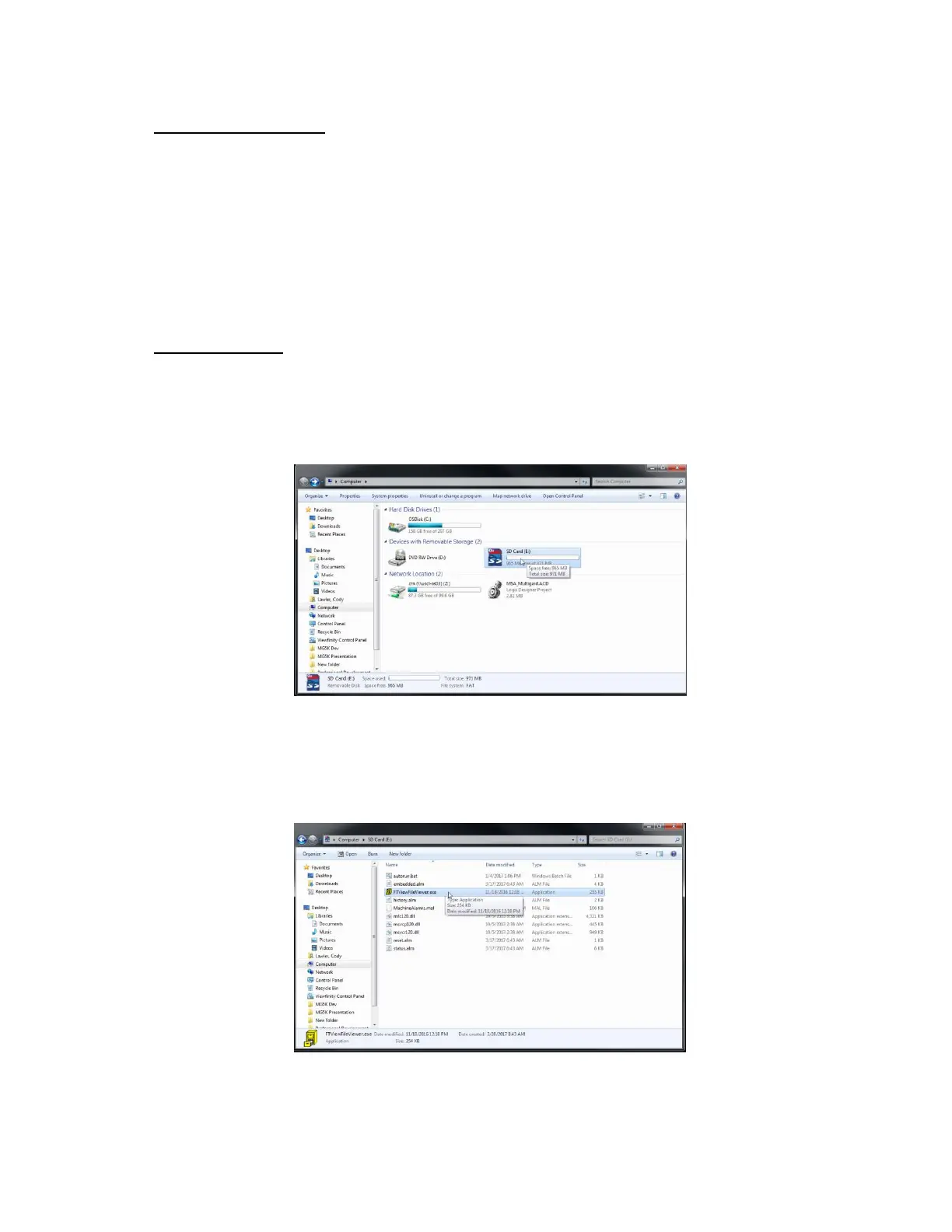
viewing the log, insert the SD card into a Windows 7 or newer based PC. Navigate to the SD card as
shown in Figure 45.
Figure 45: SD Card Location
In the root file of the SD card, there is an executable program named FTViewFileViewer.exe.
Double click this executable file. There will be other files present in the Root. Do not modify, move
or delete these files.
Figure 46: SD Card Location



 To Next Page