80
3103-1001 Rev. 0
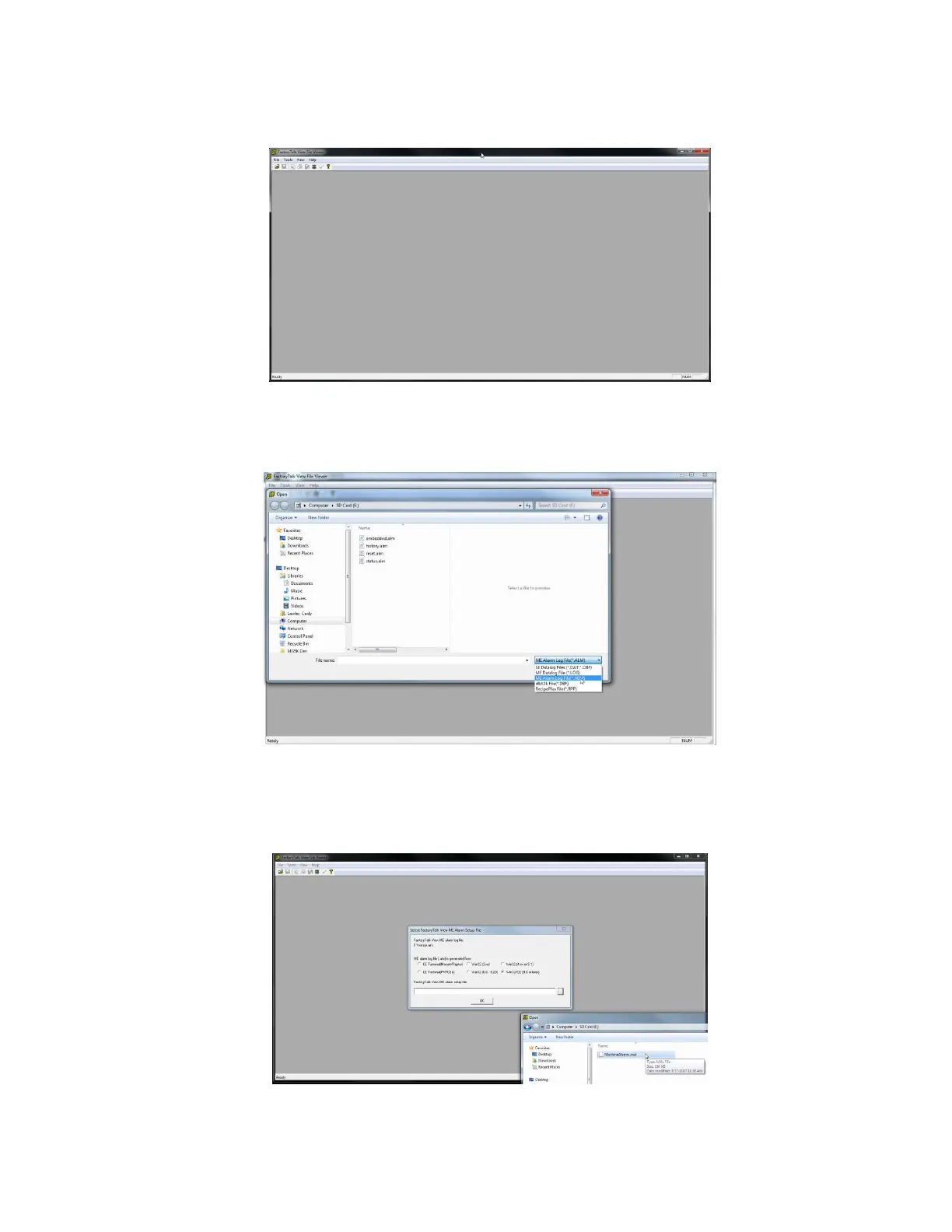
The program will launch as shown in Figure 47.
Figure 47: FactoryTalk View File Viewer
In the menu, click on “File” and select “Open”. In the bottom right corner of the “Open” screen, select “ME Alarm Log
File (*.ALM) as shown in Figure 48. Then double click on “history.alm” from the available files.
Figure 48: Select “history.alm” from the file options
You will then be asked to specify “FactoryTalk View ME Alarm Setup File” as shown in Figure 49. If not selected
already, ensure that the “Win32/CE (9.0 or later)” radio button is selected. Click on the ellipses (…) under
“FactoryTalk View ME alarm setup file”. Select “MachineAlarms.mal” from the root folder of the SD card.
Figure 49: Select Alarm Setup File “MachineAlarms.mal”



 To Next Page