81
3103-1001 Rev. 0
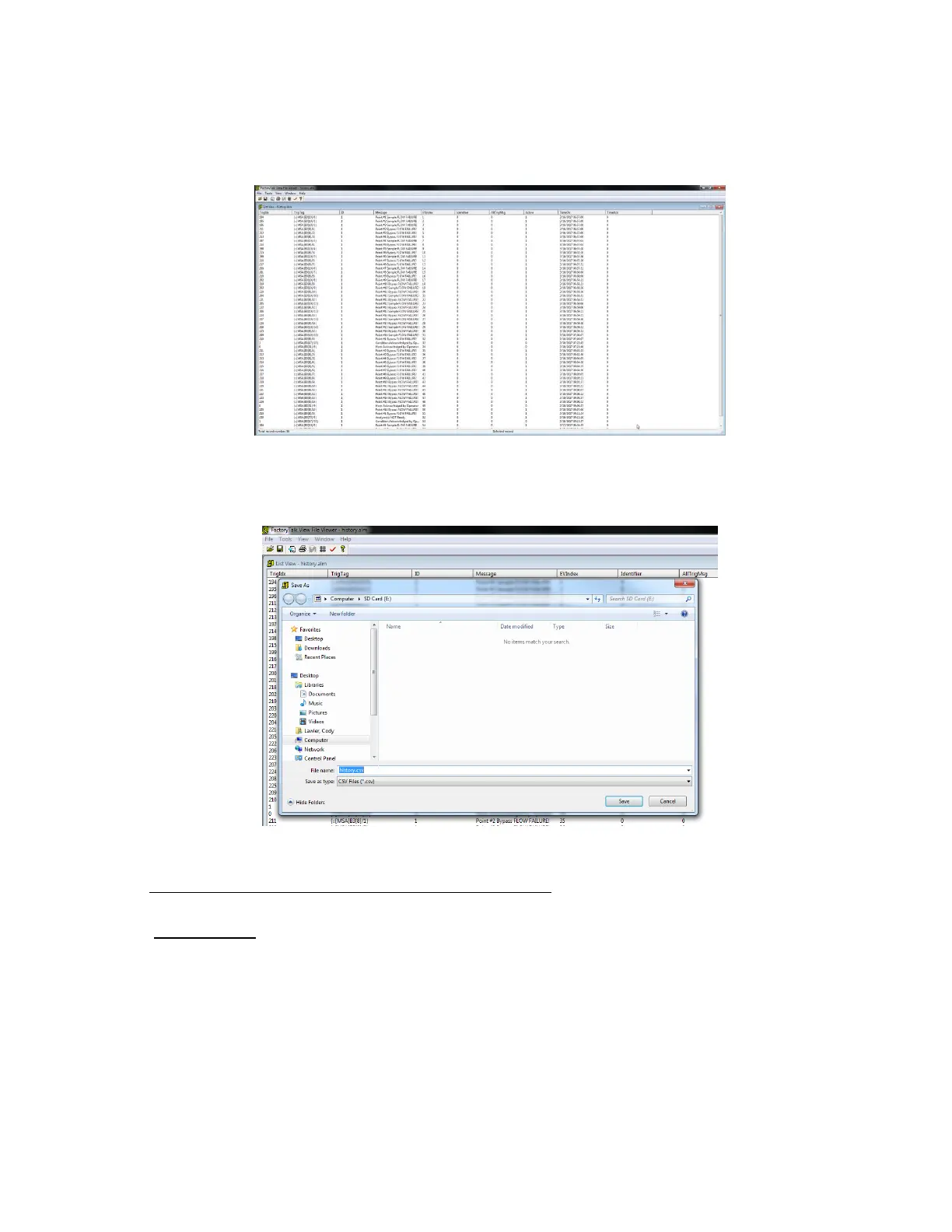
The event log will then load as shown in Figure 50 displaying all associated events with the Multigard 5000. The
columns of interest to a user are “Message” and “TimeOn”. These two columns indicate the event and the time it
occurred.
Figure 50: Event Log
To save the event log as a .CSV file, click on “File” in the menu and then click on “Save As”. Give the file a name and
specify the location to save. Once in this format, the file can be saved and printed as needed.
Figure 51: Save as CSV
11. Modbus TCP/BACNet IP Configuration
11.1 Introduction
The MultiGard 5000 can be equipped with an optional Ethernet gateway that allows users to access
system information and diagnostics over a Modbus TCP or BACNet IP network. The gateway is
configured with a default profile and will need to be setup specifically to a user’s network before
system and diagnostic data will become available. For a complete list of system data that is
available, refer to MSA document 3103-1047 and 3103-1048.



 To Next Page