25
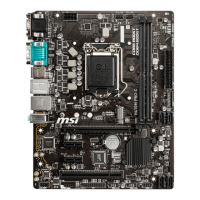
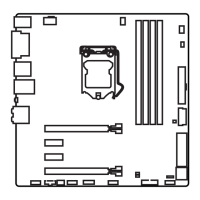
Overview of Components
CPU Socket
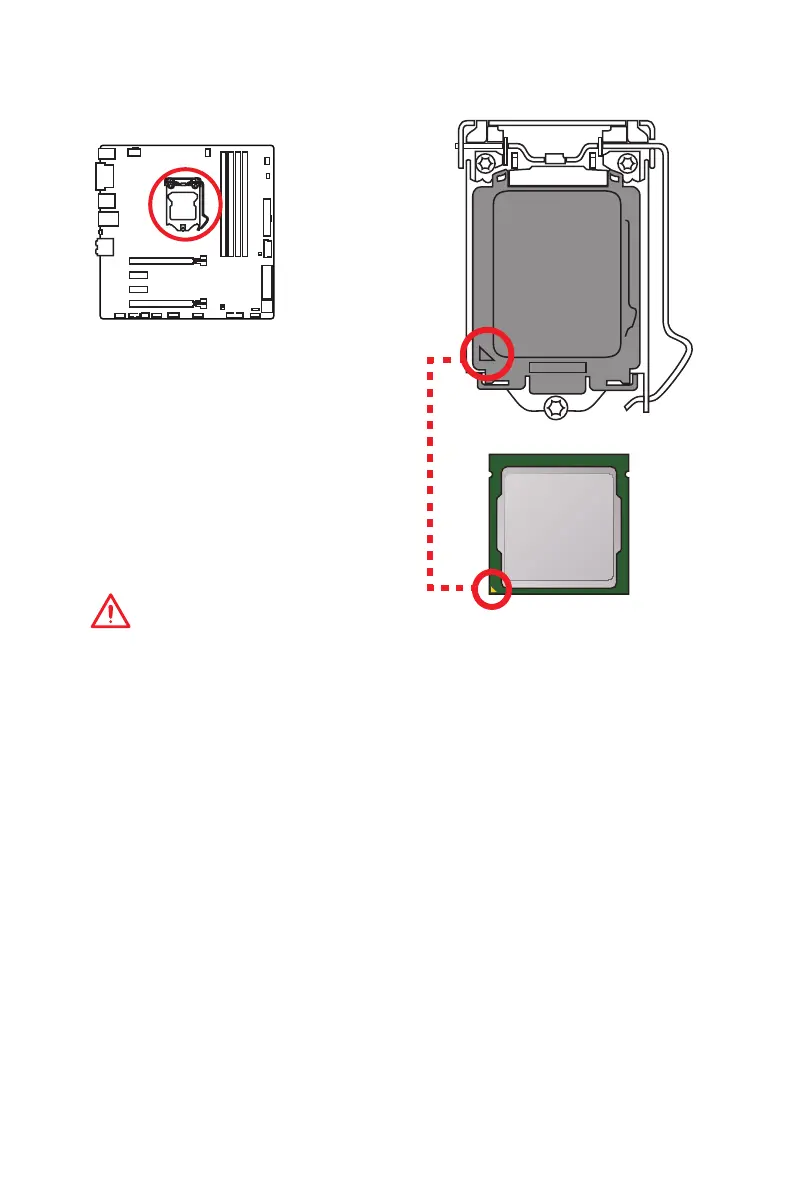
Introduction to the LGA 1151 CPU
The surface of the LGA 1151 CPU has
two notches and a golden triangle to
assist in correctly lining up the CPU for
motherboard placement. The golden
triangle is the Pin 1 indicator.
Important
y
Always unplug the power cord from the power outlet before installing or removing
the CPU.
y
Please retain the CPU protective cap after installing the processor. MSI will deal
with Return Merchandise Authorization (RMA) requests if only the motherboard
comes with the protective cap on the CPU socket.
y
When installing a CPU, always remember to install a CPU heatsink. A CPU heatsink
is necessary to prevent overheating and maintain system stability.
y
Confirm that the CPU heatsink has formed a tight seal with the CPU before booting
your system.
y
Overheating can seriously damage the CPU and motherboard. Always make sure
the cooling fans work properly to protect the CPU from overheating. Be sure to
apply an even layer of thermal paste (or thermal tape) between the CPU and the
heatsink to enhance heat dissipation.
y
Whenever the CPU is not installed, always protect the CPU socket pins by covering
the socket with the plastic cap.
y
If you purchased a separate CPU and heatsink/ cooler, Please refer to the
documentation in the heatsink/ cooler package for more details about installation.
y
This motherboard is designed to support overclocking. Before attempting to
overclock, please make sure that all other system components can tolerate
overclocking. Any attempt to operate beyond product specifications is not
recommended. MSI
®
does not guarantee the damages or risks caused by
inadequate operation beyond product specifications.
Component Contents
Port Name Port Type Page
CPUFAN1,SYSFAN1~2 Fan Connectors 32
CPU Socket LGA1151 CPU Socket 25
DIMM1~4 DIMM Slots 26
EZ Debug LED Debug LED Indicators 33
JAUD1 Front Audio Connector 31
JBAT1 Clear CMOS (Reset BIOS) Jumper 33
JCI1 Chassis Intrusion Connector 34
JCOM1 Serial Port Connector 31
JFP1, JFP2 Front Panel Connectors 29
JPWR1~2 Power Connectors 29
JTPM1 TPM Module Connector 31
JUSB1 USB 2.0 Connector 30
JUSB2, JUSB3 USB 3.1 Gen1 Connectors 30
PCI_E1~4 PCIe Expansion Slots 27
SATA1~6 SATA 6Gb/s Connectors 28
SE1_21 SATAe Connector 28
XMP LED XMP Status Indicator 33



 To Next Page