Screw Holes
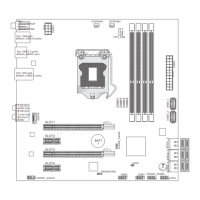
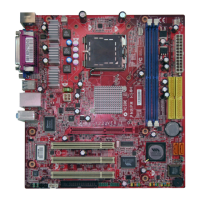
When you nstall the manboard, you have to place the manboard nto the chasss n the
correct drecton. The locatons of screws holes on the manboard are shown as below.
Refer above pcture to nstall standos n the approprate locatons on chasss and then
screw through the manboard screw holes nto the standos.
Important
To prevent damage to the manboard, any contact between the manboard crcut and
chasss or unnecessary standos mounted on the chasss s prohbted.
Please make sure there s no metal components placed on the manboard or wthn
the chasss that may cause short crcut of the manboard.
•
•
Screw holes
The sde has to toward
the rear, the poston
for the I/O sheld of the
chasss.



 To Next Page