7
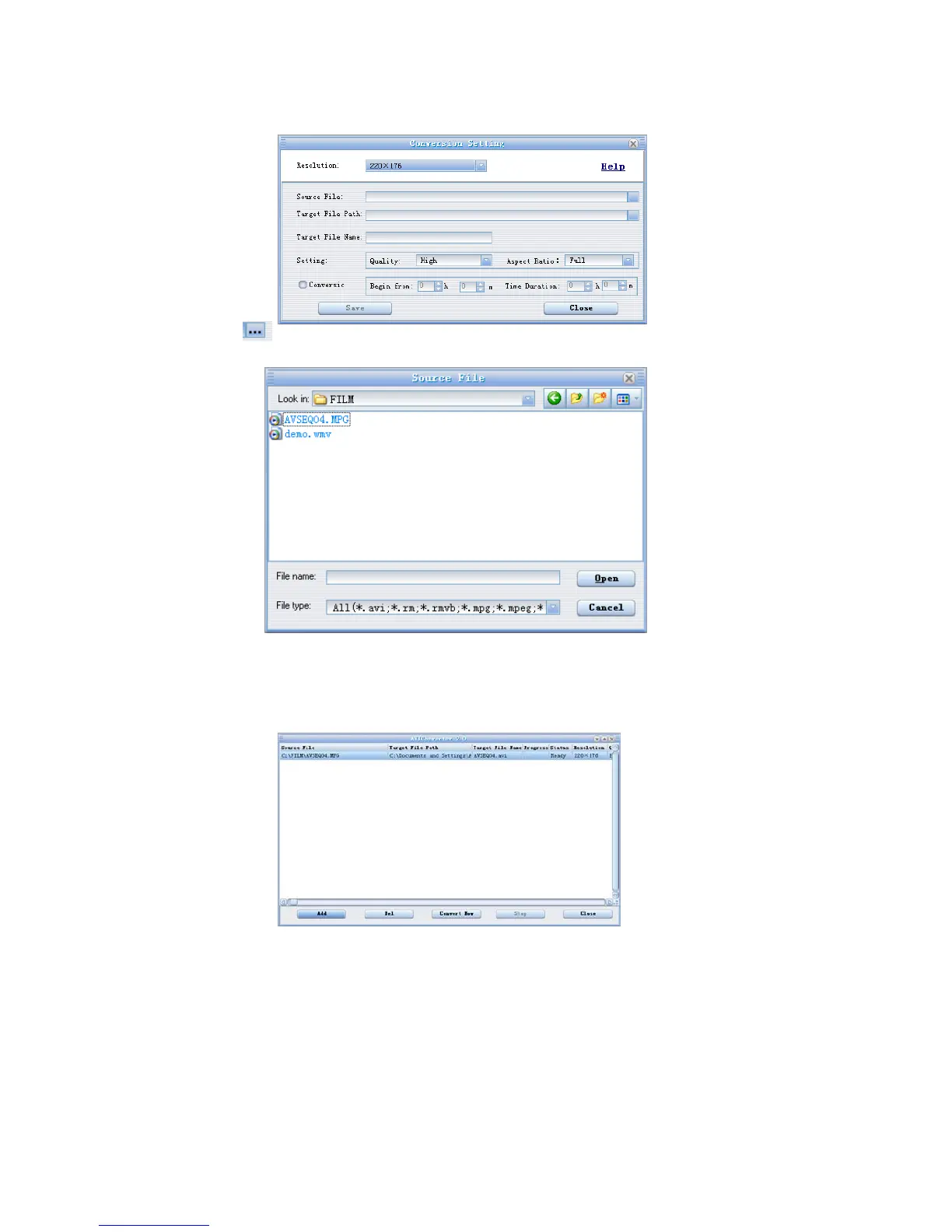
3)Click the key
to select the source file which need to be converted, the picture as below:
4)Select the location for the converted file in “Target Route”, and set “conversion quality”, “high
VS width after converted” and “conversion range” in “Parameter Setting”, then click “start
convert file “ to start, the picture as below:
5) After finish the conversion,click“Yes”,then click “Close”. Then copy the conversion
video file AVI to the player and the video file can be played .
Note:Please make sure that the edition of the PC system DirectX is up to 9.0
before you transfer the video file, if the edition is under that ,please upgrade it
to DirectX9.0, the edition of the Windows Media player should be up to
Windows Media player9.0.



 To Next Page