9
the station to be deleted, short press key enter to the station deletion window, and select
“Confirm” and press
key to delete the station.
3.2.4 Pictures
Picture viewing:Enter into the main MENU and select “photo”, then short press key to
enter. Short press Volume + or Volume – to select the relative file in the navigator, short press
to browse, short press or to scan the picture one by one , short press MENU to
exit and long press MENU again to back to the main menu.
.
3.2.5 E-Book
1) Under the main menu choose Text to read,short press key to enter.Select the relative file
in the navigator, short press
to read. During reading, press or to “page up” or
“page down”, and short press Volume+ or Volume- to turn up or turn down by line.
2) Save as bookmark: If you want to stop reading, and press
to make a mark, then press
MENU key to save it. There are three marks can be made for one book file. Next time when
you read the file, you can press “A-B/REC”key to get the mark, and then press the volume+
and volume- to select the saved mark. Short press MENU to read from the present position.
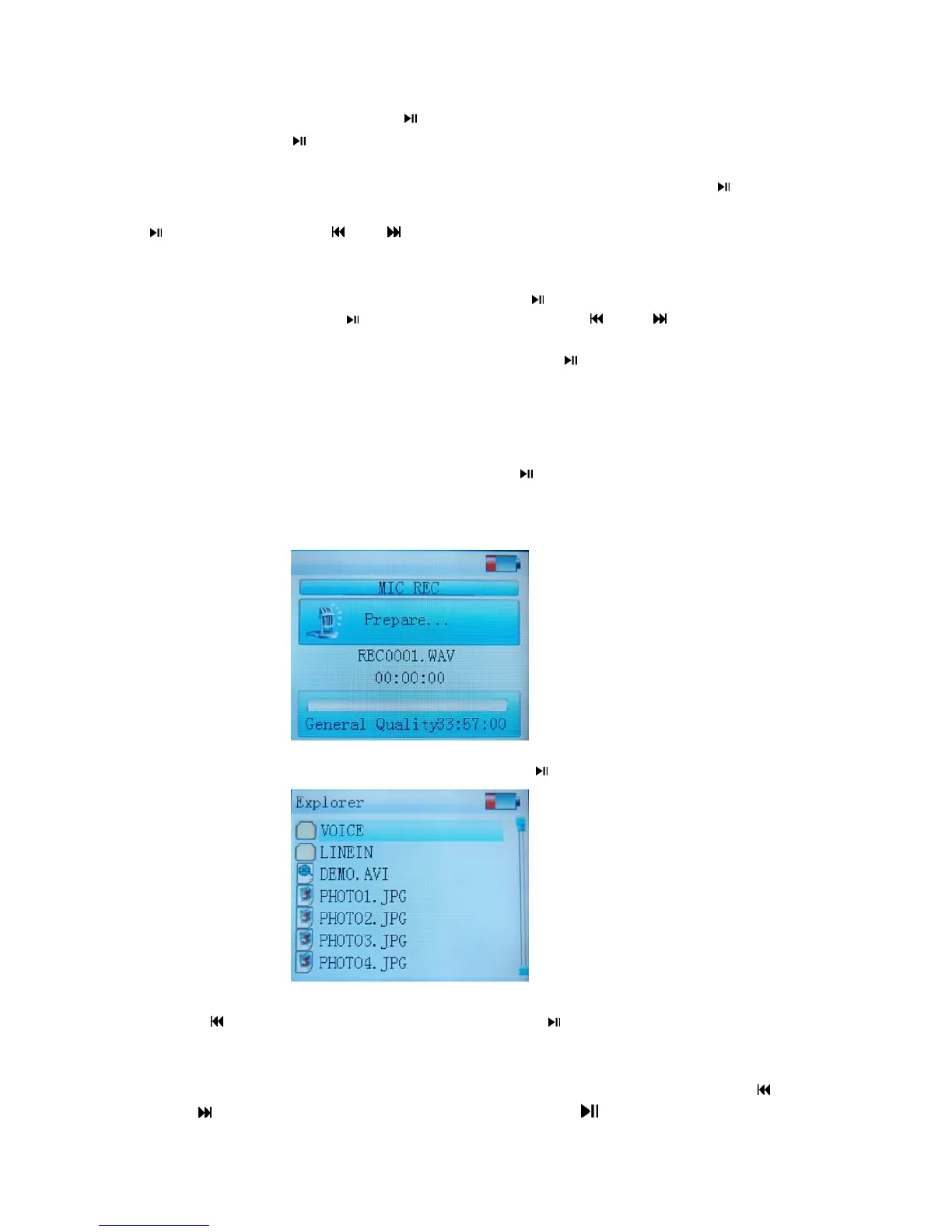
3.2.6 Record Mode
Enter the main menu and select “Record”, short press
to enter , short press “A-B/REC”
key to begin to record, during recording, short press“A-B/REC” key to pause , long press
“A-B/REC”to save and prepare for the next record, play the record files under the
Navigator.
3.2.7 Navigation
Under the main menu select “Navigation”,short press“
”key to enter in.
Select File
In the list of navigation, short press “Volume + or Volume –”to select file or short
press“
”key to back. After selected a file, short press“ ”to enter in. If the file can not be
read, then its name will not be showed(blank) or a dialog box will shows “don’t supported”.
Delete File
When you want to delete a file ,select it and short press“A-B /REC”key, short press“
”
or“
”key to select “yes ”or“no”, then short press to confirm.



 To Next Page