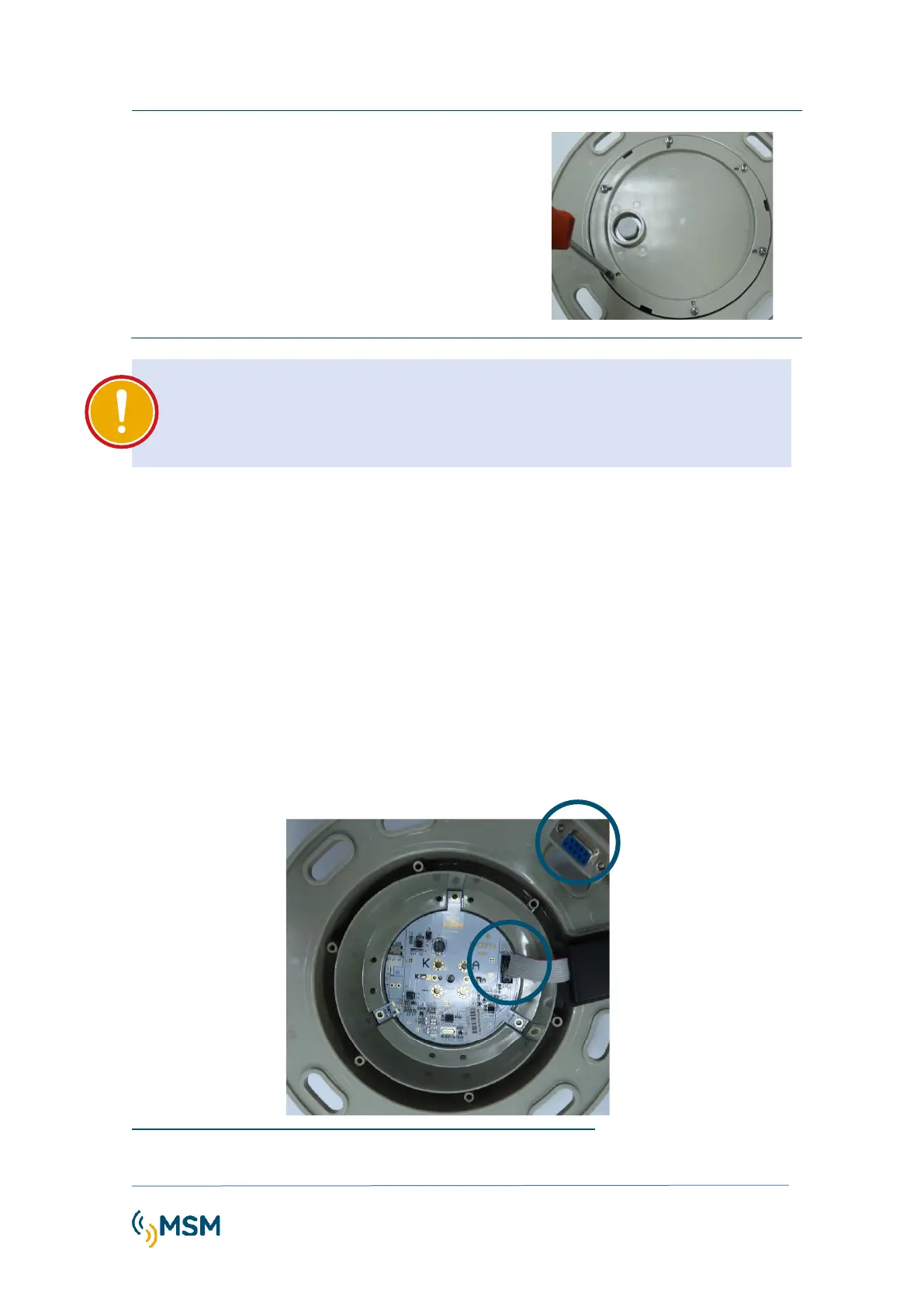
Thread the fixing screws:
Using a screwdriver proceed to screw the
6 screws that secure the back cover of
the beacon. The screws must be
tightened in cross so that equal pressure
is exerted over the entire O-ring.
IMPORTANT
To ensure a correct closure of the lantern, verify that the circuitry by the cable is
protected inside the beacon. Besides, ensure not to catch the cable with the gasket.
4.3. PROGRAMMING MODES
The MCL100 flashlight can be programmed using several methods:
USING THE MFCOM SOFTWARE
By PC, In order to program the flash character, it is required to select the desired rhythm in the
256 flash character table attached in the last pages of the manual. After this selection, we need
to program the flash character number in the lantern flasher.
Open the lantern to access to the control circuit, in order to connect the MF232 programming
cable to the PC computer, as indicated in point 4.1 of this manual.
Inside lantern MF05 flasher



 To Next Page